I use Visual Communication for my non verbal and students with minimal verbal skills in my classroom, and am always looking for ways to incorporate as much of these skills as I can in my daily activities.
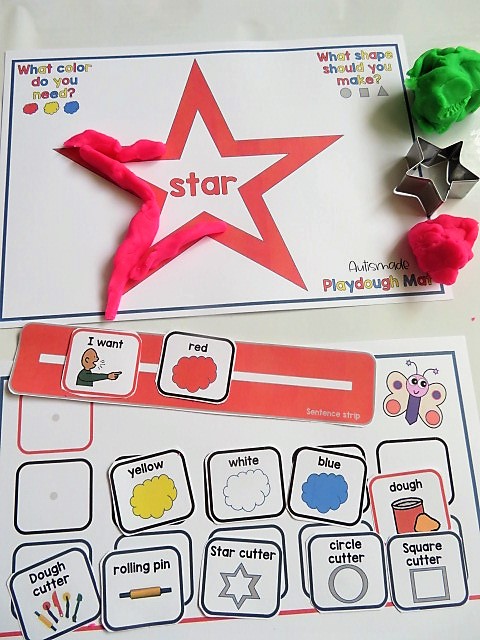
I designed this functional activity to practice Picture Communication in my playdough activities to make it more meaningful. My Kiddos can use visuals to request colors and tools they will need to complete these simple dough activity mats.
My Young learners can practice their colour and shape skills as well as initiate communication with these handy activity mats and visuals!
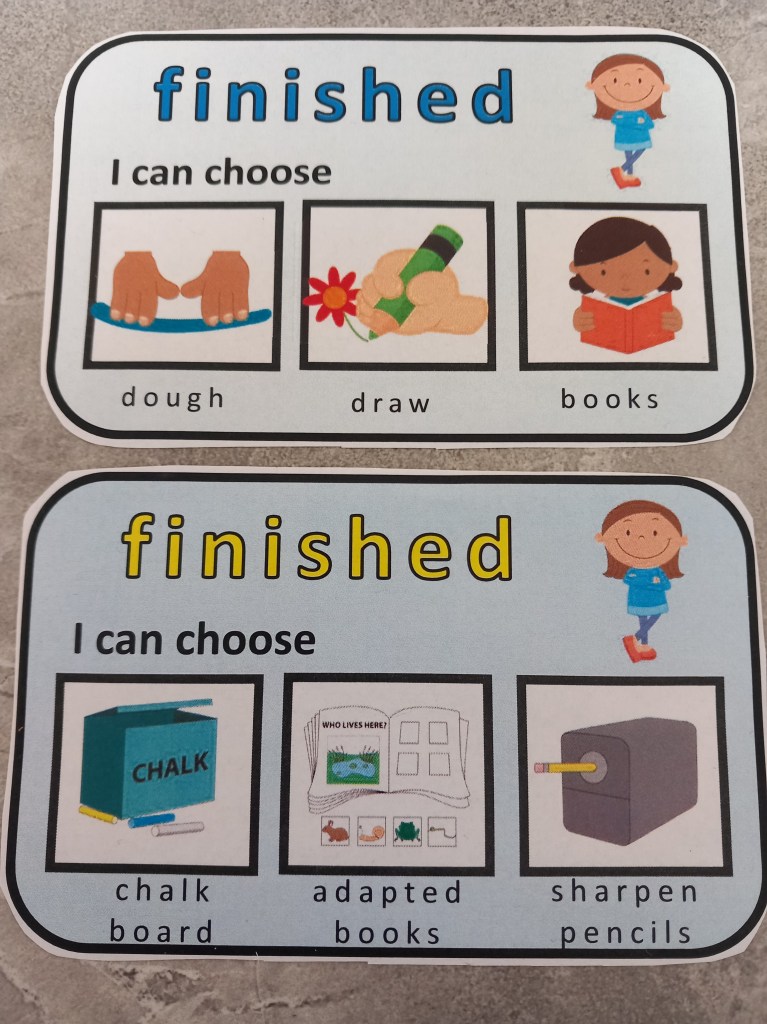
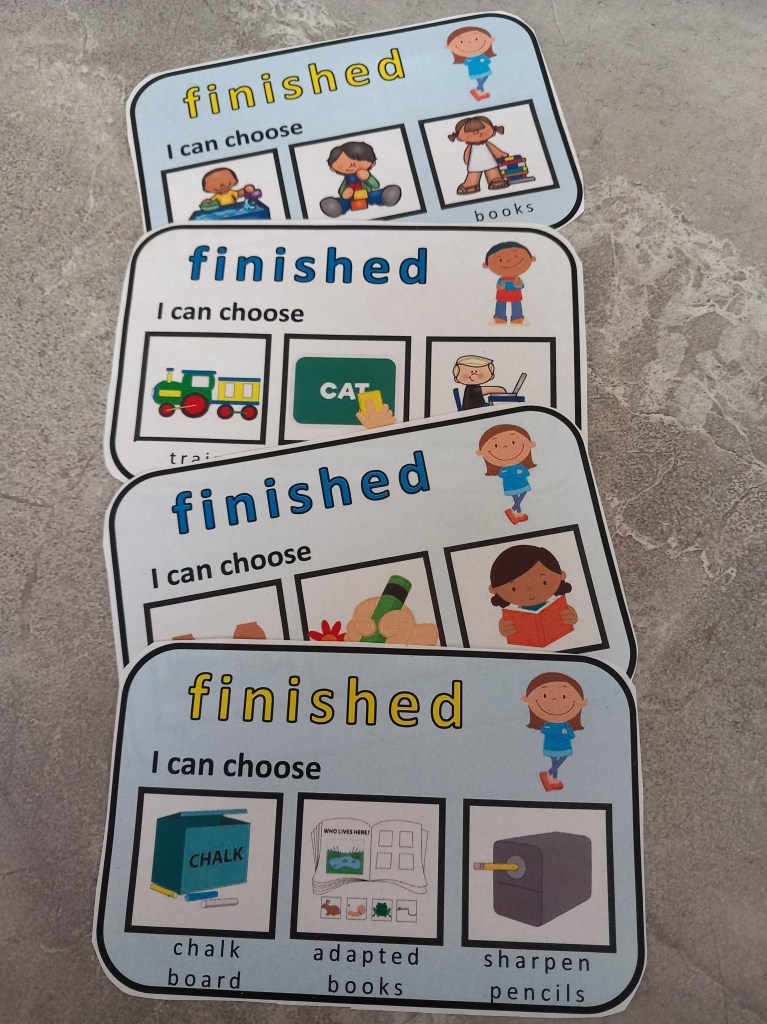
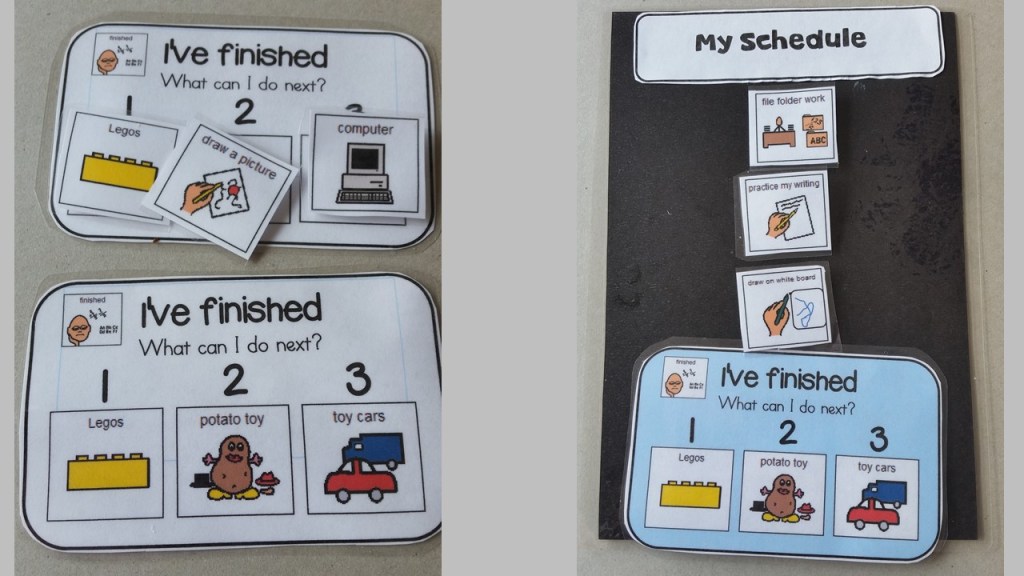
My young learners love to see the little finished cards placed at the end of their table. I thought it might become a distraction, but they turned out to be a great motivator to finish work well! Finished cards are a visual instruction that gives a variety of choices for my students to choose from when they have finished their curriculum task. I’ve adapted some of my cards with detachable pictures, designed for individual preferences. I love how my classroom transfers effortlessly between tasks and still looks busy with no fuss!
On the first day back to school I always introduce my Interactive Planner Binder to keep my young learners focused and motivated! Its full of visual strategies to help them plan their day, choose they’re reinforcer and stay in the area where they need to work.
I laminated the ones i made but you could easily place them in a pocket folder and use a dry wipe marker.
I’ve incorporated pages for my new students to jot down their name, grade and class, followed by their teachers name, their friends name, things they like and things they don’t.
There are pages with the days of the week for them to practice and tick off what day it is and same for seasons.
Having a schedule is so important so I’ve added spaces where i can write the order of the day and they can tick off as they go though it, handy to keep them on track!
Working for cards and reward choice keep them motivated!
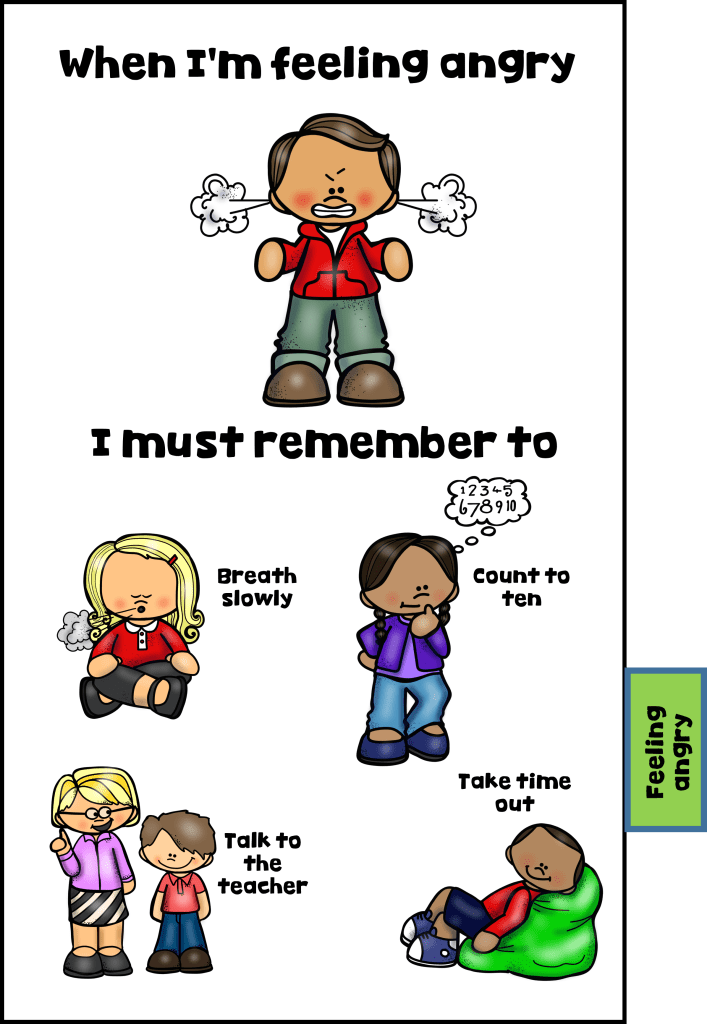
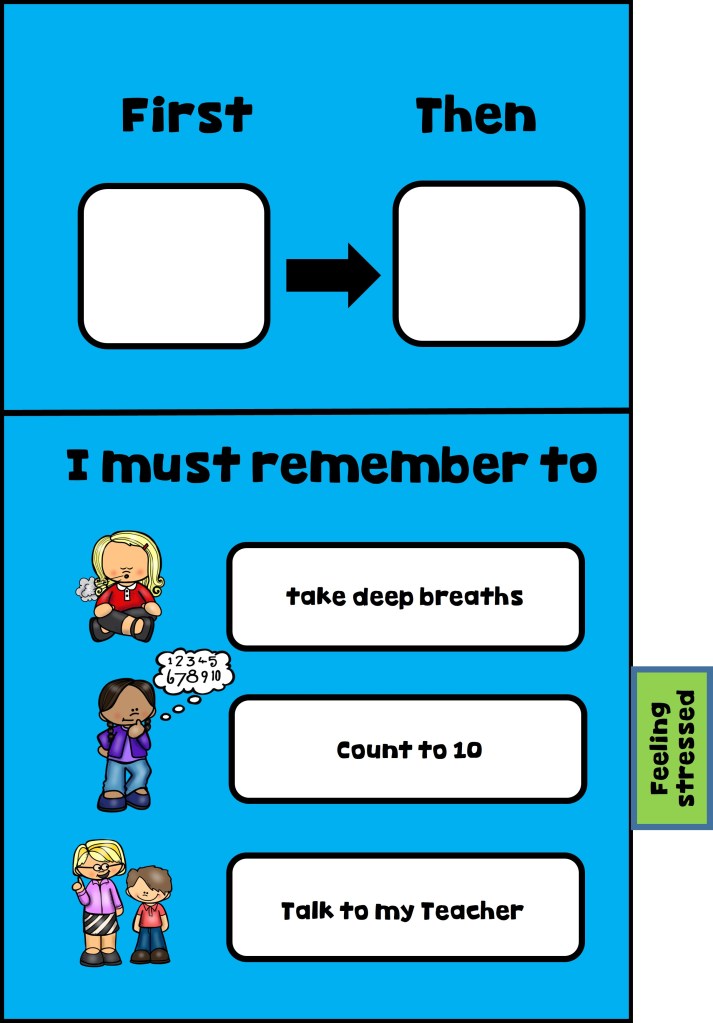
Reminders of what to do when they feel angry, “first and then” when they get frustrated and what “I need” visuals for them to choose from.
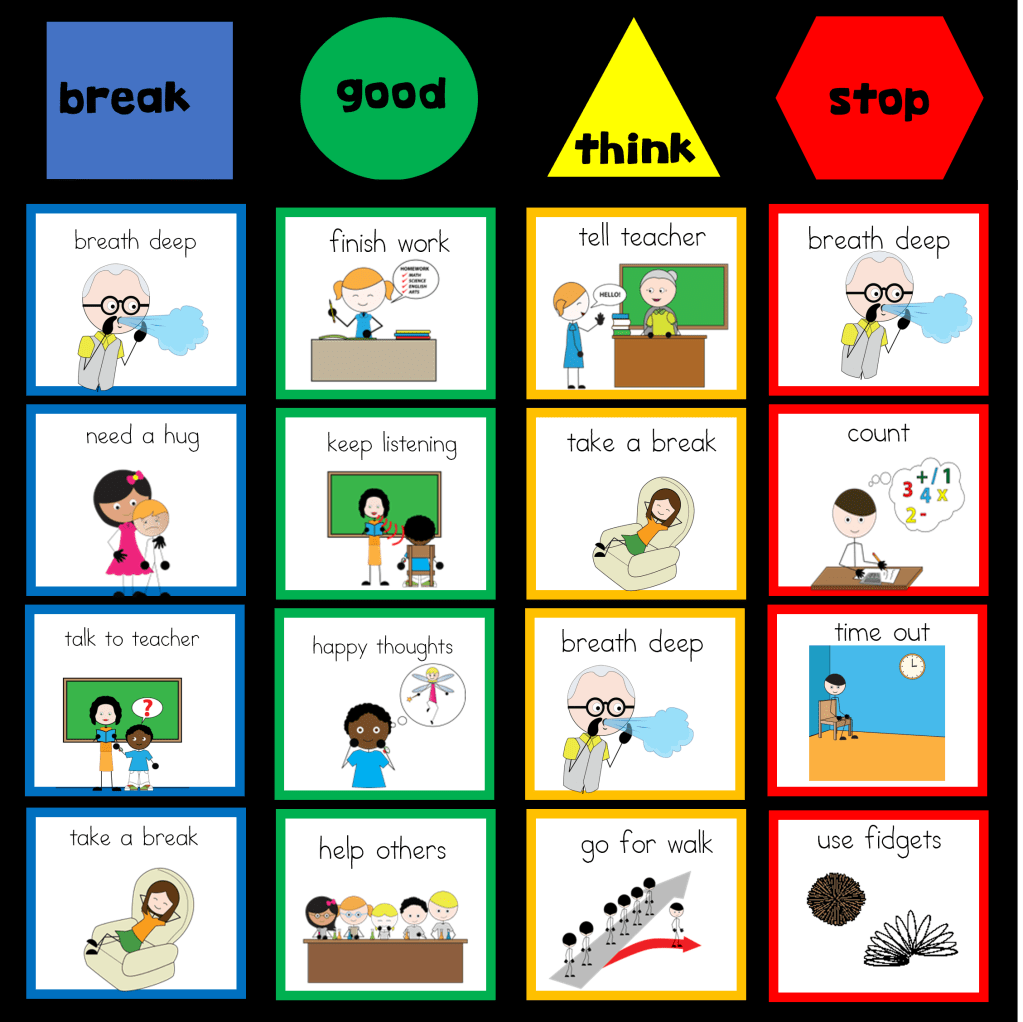
Being able to regulate behavior is an essential critical skill to learn, so I’ve designed booklets for my students with Autism, Special Ed and the Preschool students in my school. This visual tool is intended to help them identify how they feel and what they would need to be ready for work! They turned out to be a great asset in my classroom calm down area.
Each of my kiddos are constantly using the visuals to remind themselves on how to get in the “ready” for work area. They can choose the supports they need and attach them on the page if they find themselves wandering out!
There are some books with three area tabs and some with four areas identified and each have visual supports for students to check how they feel, what area they are in and what they would need to do to get back area ready to work.
I’ve also added a “Tool Book” to this collection, which my kiddos equally love using!
How I use Fidget Toys as reinforcers in my Classroom
Sensory
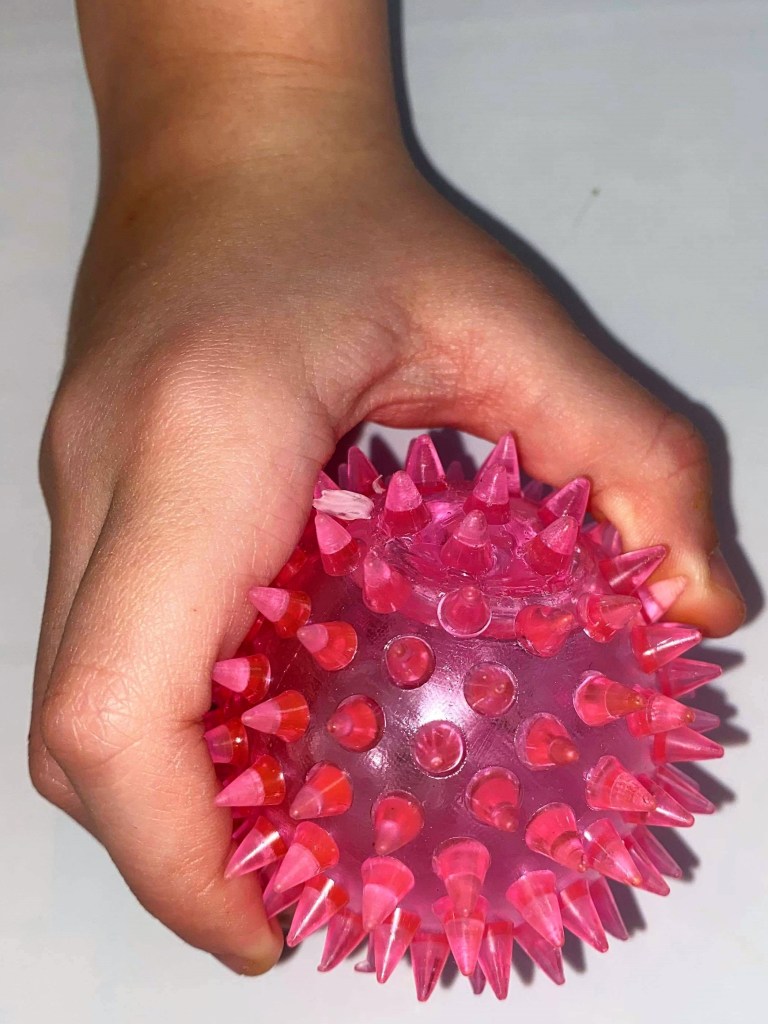
Help your students focus and keep calm while keeping little hands busy. When collecting fidget toys make sure they’re robust enough to withstand the strains they’ll be under. I buy toys that are strong enough for my students to bite, squeeze or stretch safely but still benefit their sensory needs.
Learning to Wait
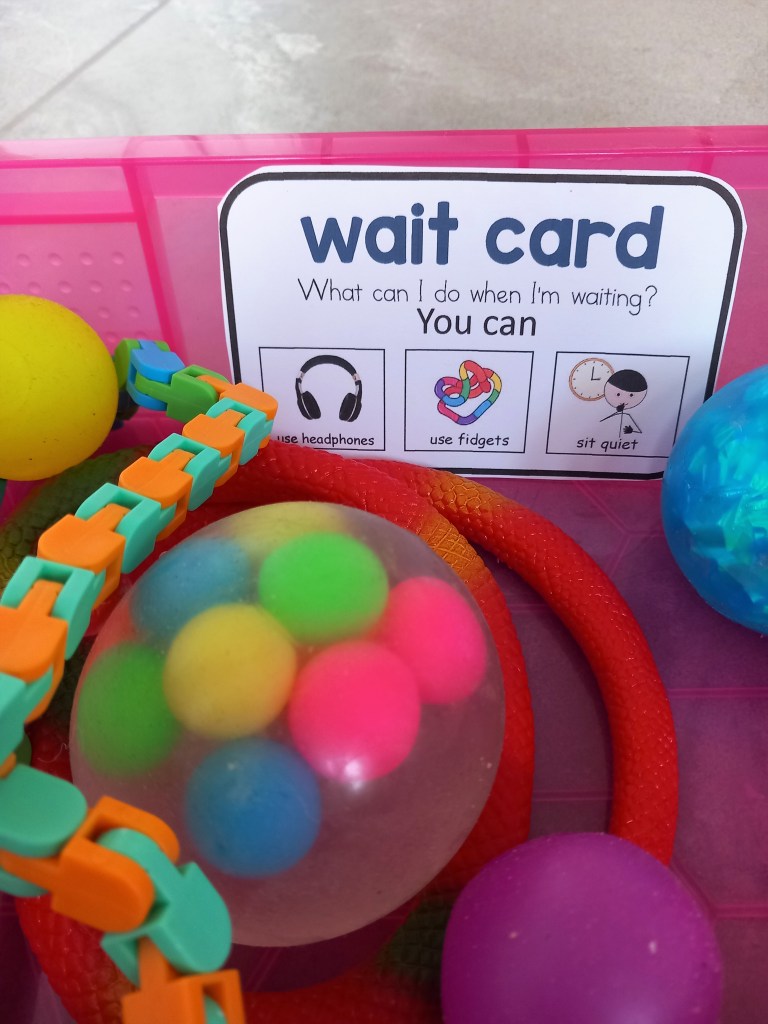
When student are learning to wait and have been given a “wait” card, having something to occupy fidgety hands will sometimes help. Using a “wait” box that is filled with fidget toys, can be offered during this time to allowing students to occupy themselves, and to gradually increase the “wait” time.
As a motivator
Teachers need to be clear on how to deliver a motivator for effective learning. When, where and how many reinforcers will determine how long the learning lasts and how rapidly they learn.
When I’m teaching something new the more frequently I reinforce. When presenting a new task or skill I arrange things so that every successful effort results in a powerful reinforcer.
I find the “Reward Board” works best! and I deliver it in a variety of ways, which I tailor with students individual interests.
Token boards – A token is used like an IOU and once collected can be exchanged for the actual reinforcer. Students can start off collecting 1 token before gaining their reinforcer and build up to 10 tokens once the concept is mastered and they’re ready to learn longer.
Reinforcer icons are placed along the bottom of the card, students choose one before the task begins and tokens are distributed throughout the task!
First and Then strategies and Reward Board choices are also a great tool. I sometimes use it along side this reward system!