Tips for running a simple Classroom Rotation System

A classroom rotation system is an instructional strategy where students move between various learning stations, each designed to target different skills or concepts. In a kindergarten Special Education classroom, it means that each station might focus on different aspects of learning, such as motor skills, communication, literacy, or social-emotional development. Students rotate through these stations in small groups or independently, ensuring that they receive a diverse, multi-sensory learning experience.

Here I’ve listed how I set up and run a classroom rotation system for my Special Education classroom to ensure structure, engagement, and efficient learning experiences,

Steps to Create a Rotation:

  • Identify your areas: Include areas like literacy, math, fine motor skills, social skills, sensory activities, fine motor etc.
  • Rotation Frequency: Depending on how many activities you have, you might want to rotate every 10-20 minutes to keep the activities short and engaging.
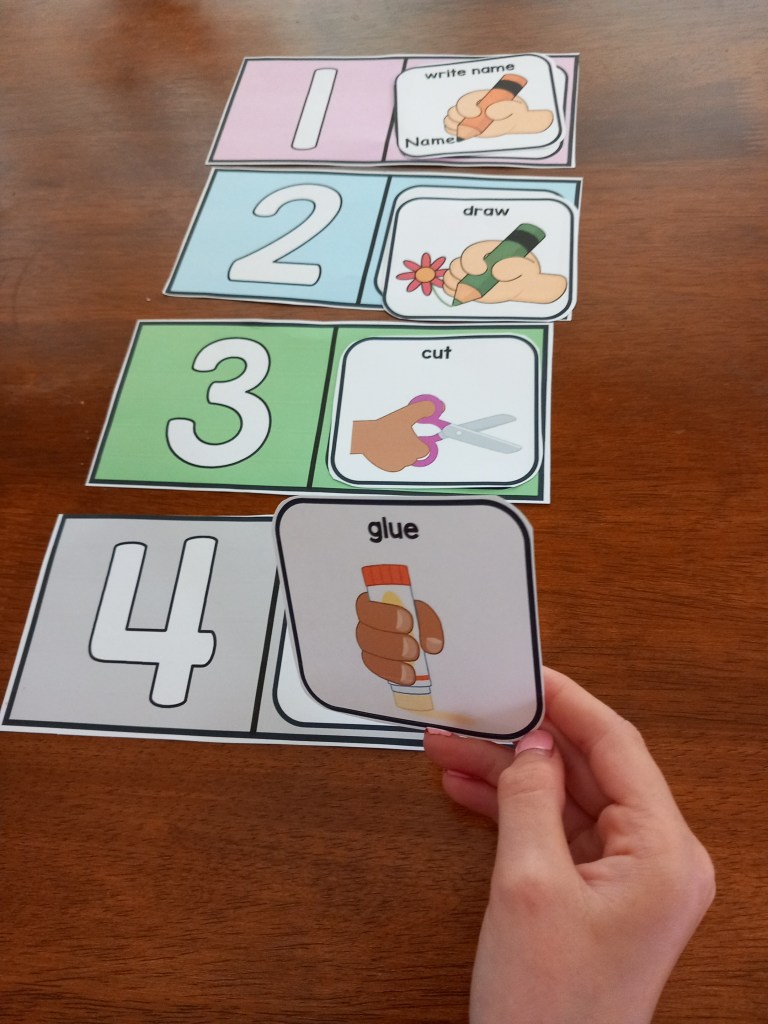
  • Use Visual Schedules: A visual schedule can help students understand the rotation process. For example, a picture board or visual timer showing which area to go to next. For non-readers, pictures or color codes work well.
  • Small Groups: Divide students into small groups, and assign each group to a different station. After each rotation, students move to a new activity. This way, they get a mix of independent work, group activities, and teacher-guided lessons.
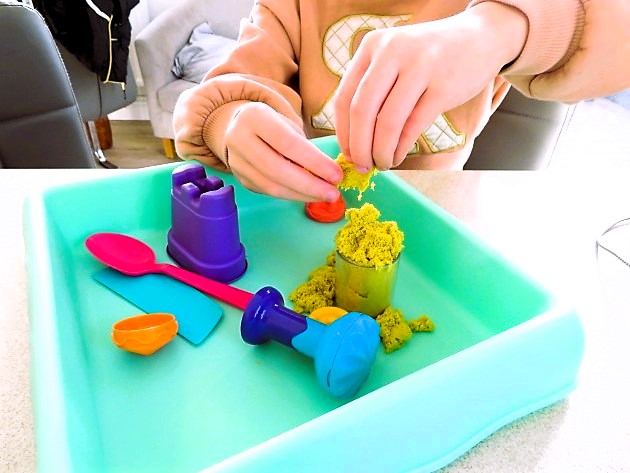
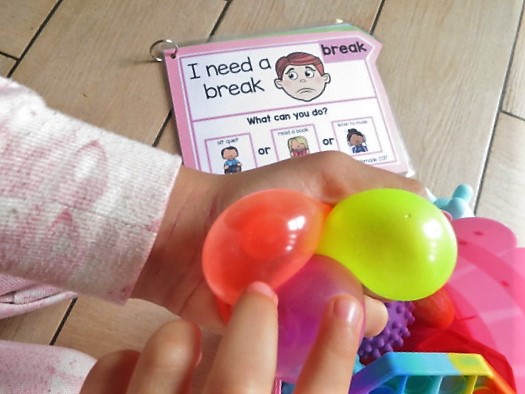
  • Include Sensory Breaks: Special education students often benefit from sensory breaks between activities to help manage overstimulation. Designate short times for sensory activities, such as using stress balls, or simply having a calm, quiet corner.

My Rotation Schedule:

  • Station 1: Literacy (guided reading, letter recognition, etc.)
  • Station 2: Math (counting, number recognition, etc.)
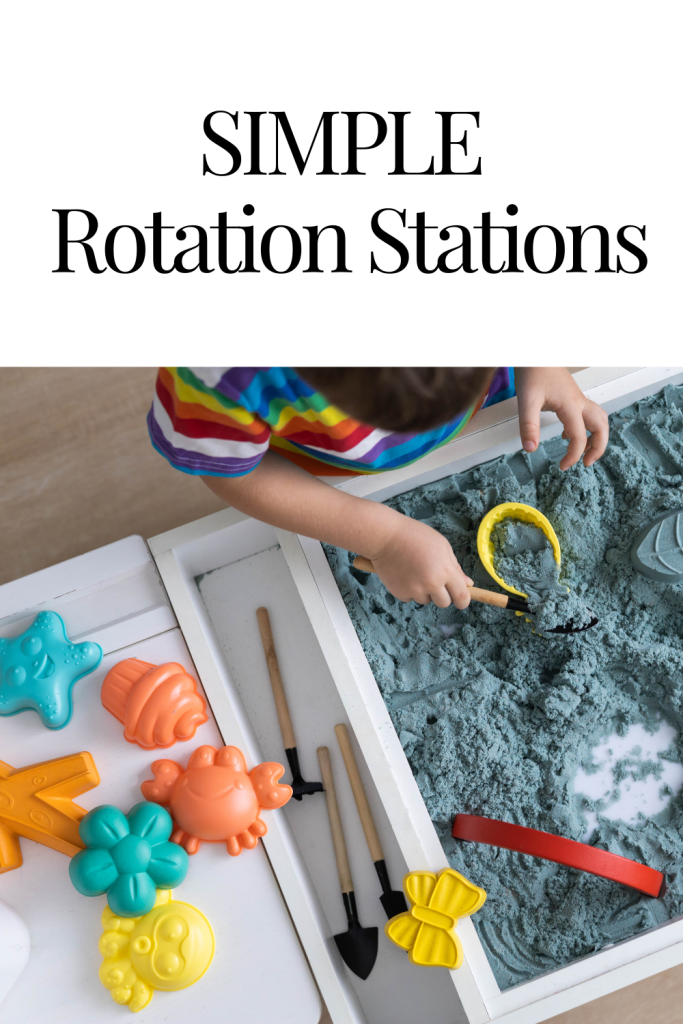
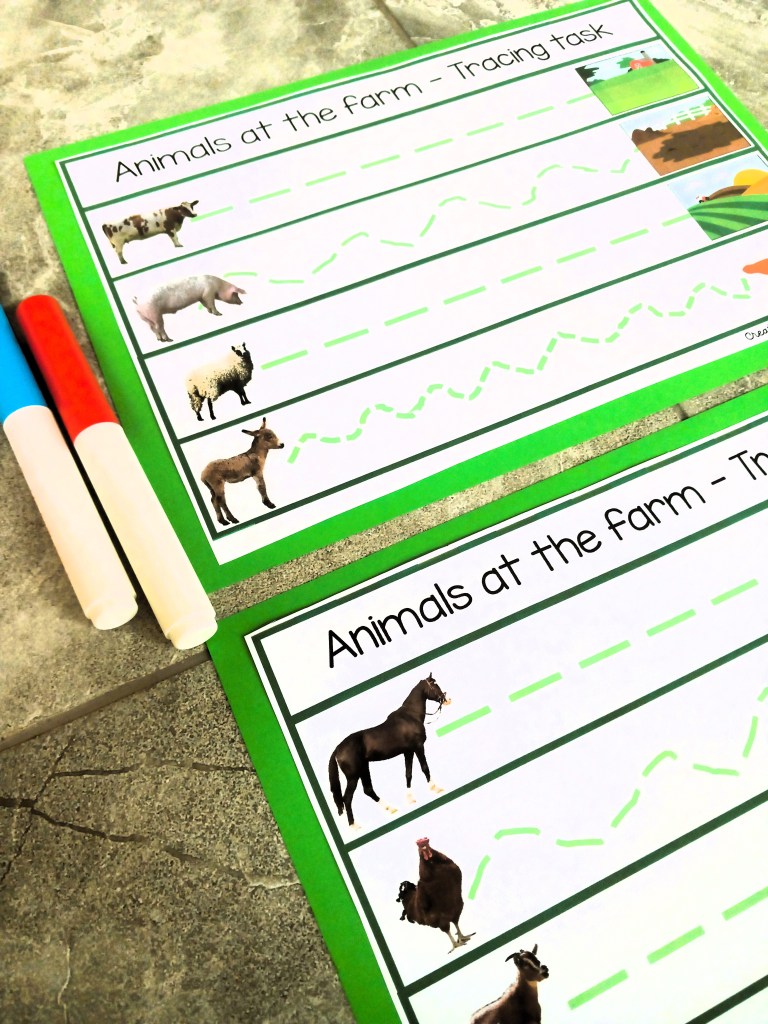
  • Station 3: Fine motor skills (coloring, cutting, playdough)
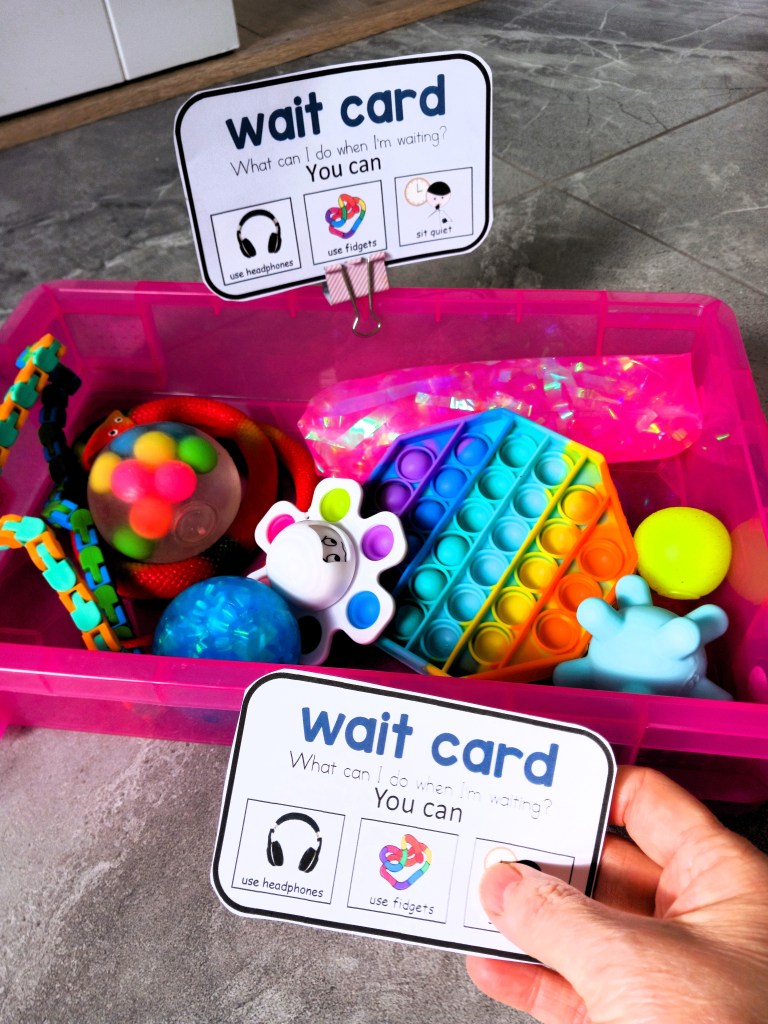
  • Station 4: Sensory break (quiet area with fidget toys, soft music)

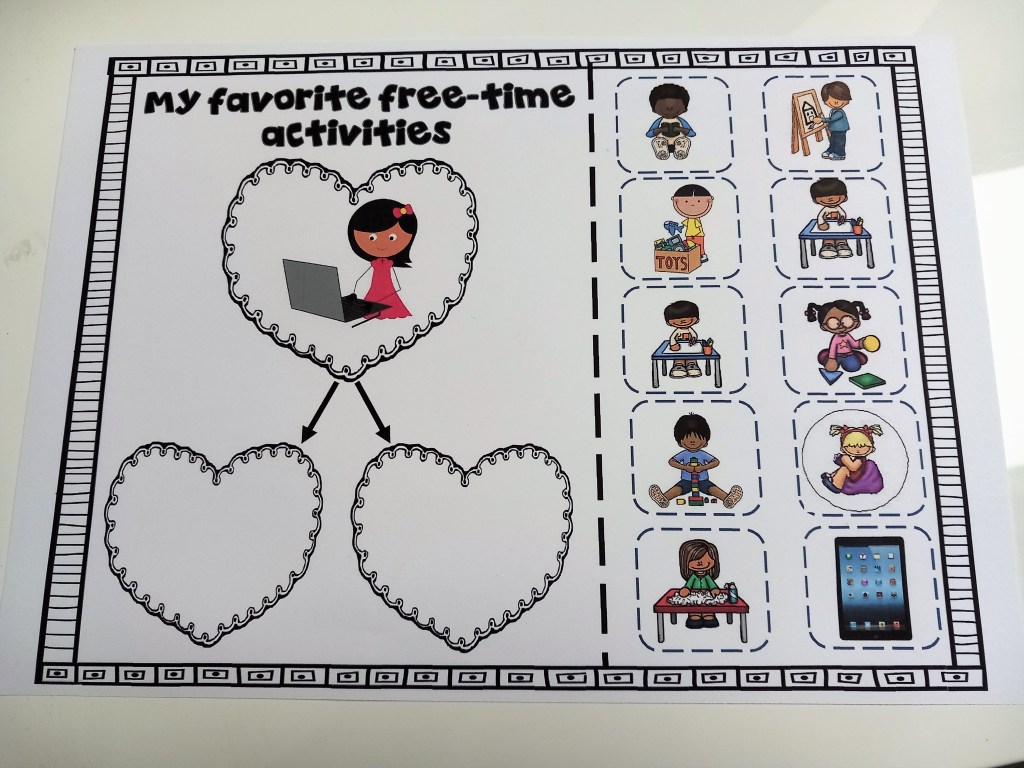
Cue Cards for activities and stations

2. Resource System

This resources system helped me organize the materials for each rotation and ensure everything runs smoothly.

Steps to Organize Resources:

  • Label Materials Clearly: For each rotation station, make sure materials are clearly labeled. You can use color-coded bins or folders that match your visual schedule to make it easy for students to find what they need.
  • Use Simple Materials: Choose materials that are easy to handle and safe for young children. Think sensory bins, large manipulatives for counting, and picture books.
  • Student Resources: Set up “independent use” bins or areas that students can access on their own, like worksheets, tactile toys, or quiet reading materials.
  • Prepare Materials: Set up each station with materials ahead of time. Keep a checklist to ensure you don’t forget anything.
  • Support for Communication: Many special education students benefit from communication supports such as communication boards, picture cards, or apps. Make sure these are part of your resource system for students who may need them.
  • Class aids responsibilities: If you have any classroom aides or assistants, make sure they have access to the necessary resources and designate specific roles or responsibilities for them during each rotation.

Example Resources:

  • literacy station resources: Alphabet flashcards, letter tracing sheets, magnetic letters, adapted books
  • math station resources: Counting bears, number puzzles, shape folders, dice, number flashcards etc!
  • fine motor station Resources: Crayons, scissors, glue sticks, playdough

sensory break resources: Fidget toys, weighted blankets, calm-down jars

By planning with flexibility in mind and making sure your resources are organized, your rotation system will run more smoothly, and students will have the best chance to succeed and stay engaged.

For more Resource Ideas use the link below:-

MY TPT STORE

Making Classroom Rules into exciting learning experiences

With the right tools and strategies, you can turn classroom expectations into engaging and fun activity that promotes social-emotional skills and builds a strong community.

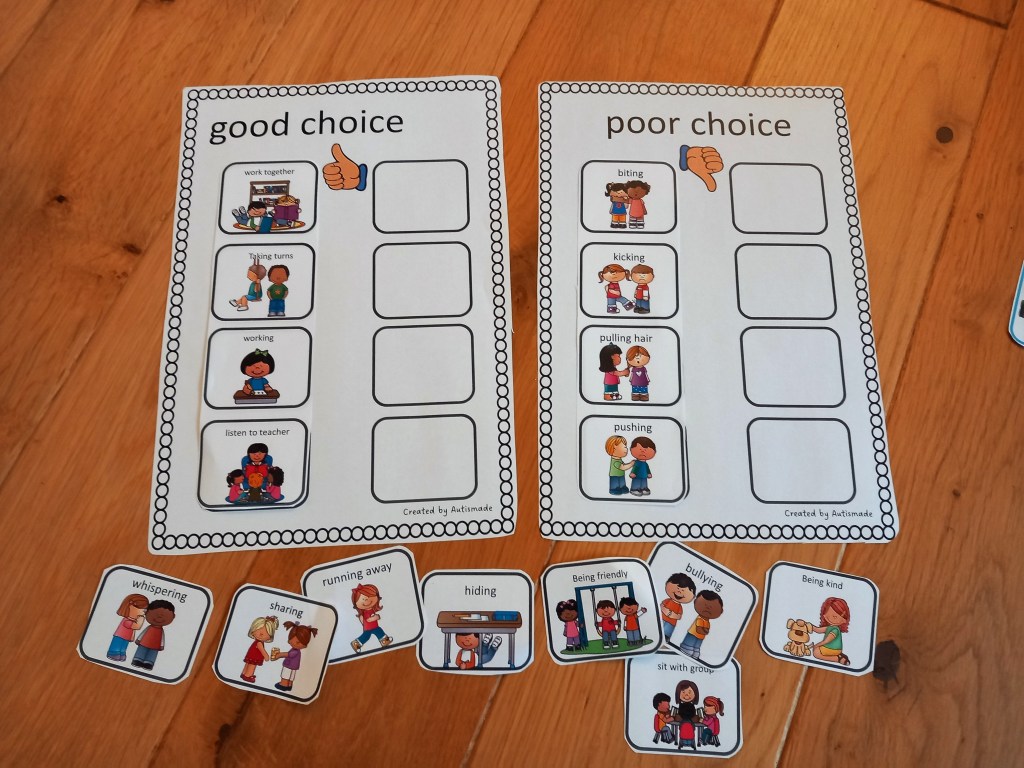
One way to achieve this is through a sorting card game, designed to help students differentiate between good and poor behaviors.

In this blog, you can see how I’ve created this activity to use for classroom behavior management, so explore the benefits of using this game as a tool for creating a positive learning environment.

This simple activity will help your students sort out the good and poor behaviors for the classroom expectations you want to see everyday

This hands-on activity is how teaching classroom rules can be a joyful and an engaging experience at your independent stations and work centers, that’s once laminated can be practised over and over again.

Dive and promote positive classroom management and behavior, all while building a strong class community. Get ready to make this learning exciting for both you and your students!”

Effective Behavior Management Tips for Special Ed Teachers

Are you tired of spending your day as a teacher constantly battling disruptive student behaviors! Well, you’re not alone. In this article, we’ll provide you with some handy ideas for behavior management in your Special Ed Classroom!

As educators we understand the importance of creating an inclusive and positive learning environment for our students, particularly those with Special Needs. So with this logical flow of ideas, lets dive in and explore some creative and effective strategies for Behavior Management you can use.

1. Token Rewards

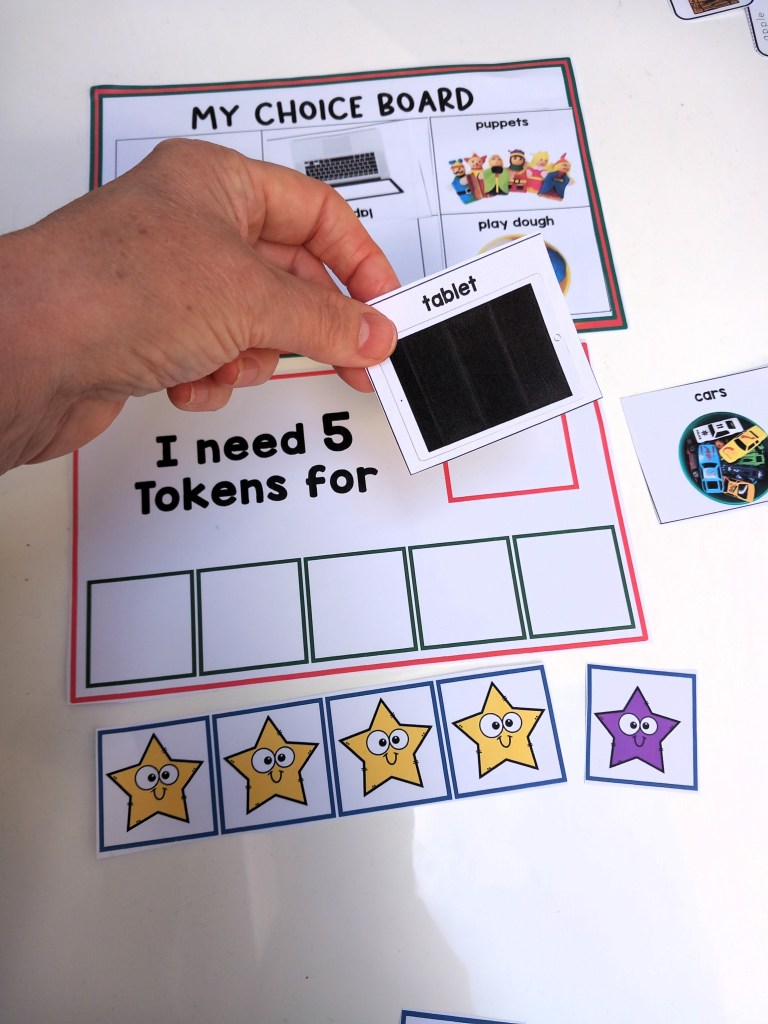
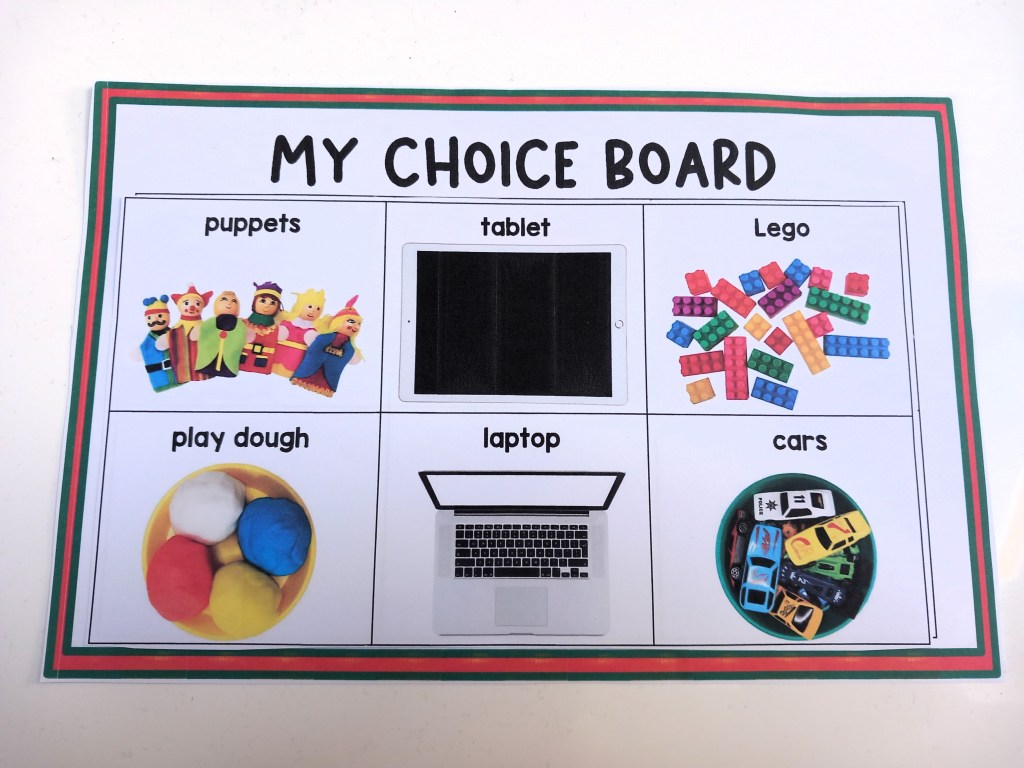
Token Rewards – A powerful method of strengthening new skills, the tokens are a way of reinforcing positive behavior and rewarding students for completing tasks, they then trade the tokens for desired activities or items they choose beforehand.

QUICK TIP – I use this board when I start teaching the Token Reward strategy, its a classroom resource that I can adapt with motivator choices that’s adapted for individual needs.

2. Critical Communication Cards

Critical Communication Cards – To teach new skills such as requesting “break please”, “help” and “wait” self -management strategies.

QUICK TIP – I place them on the edge of tables to remind students on their choices.

3. Self Regulation Tools

Self regulation toolsI’ve made tools individually accessible for my students to use in a handy little booklet.

QUICK TIP – I bind then as a book and keep them on hand for self management, each one tailored to individual needs that help them to self-regulate.

4. First and Then Strategies

First and Then By using this strategy my students know what they must complete before having what they want, it also provides structure in their behaviour support plans.

QUICK TIP – If my students are finding it difficult to stay on track, I use the first and then strategy to remind them of what they are working for before they can get the item or activity they want.

5. Calm Down Corner

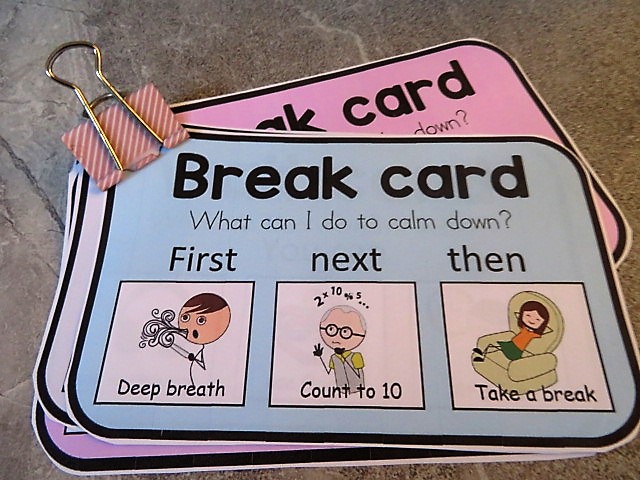
Calm Down Area Sort out a corner of the room with a beanbag on the floor and a little book shelf for privacy, I kept it very plain and simple with just the calm down tools on hand… WOW it looks great, and my kids love it! Next I wanted to gave my kids a chance to take a break before things got to tricky, so I made these colourful break cards and purchased a sand timer.

QUICK TIP – Have a visual choice board ready with pictures of nice, peaceful activities that would help to distract from upset and some visual calm down tools to practice.

6. Classroom Posters

Posters Visual Support reminders to Teach essential emotional regulation techniques and set them up in calm areas, display class rules and social skills posters in easy to see areas.

QUICK TIP – Print and display posters around the classroom or in a calm down area, use them to remind students of your classroom behavior expectations.

Reward Systems

Self Regulation

Bundles

All TPT Resources

Visual Behavior Support Folder – Token Rewards Tools, schedules, First & Then,

Visual Supports: Token Reward System/First & Then – Strategies for Special Ed

Classroom Behavior Management Strategies: First, Next and Then Tools

Token Reward folder: Visual support tools with “first & then” Behavior Strategy

First, Next and Then table Schedule Templates with Visual Supports

First Then boards and Help cards: Autism visual supports

Visual Supports:”First, next, then” with Token Rewards Systems