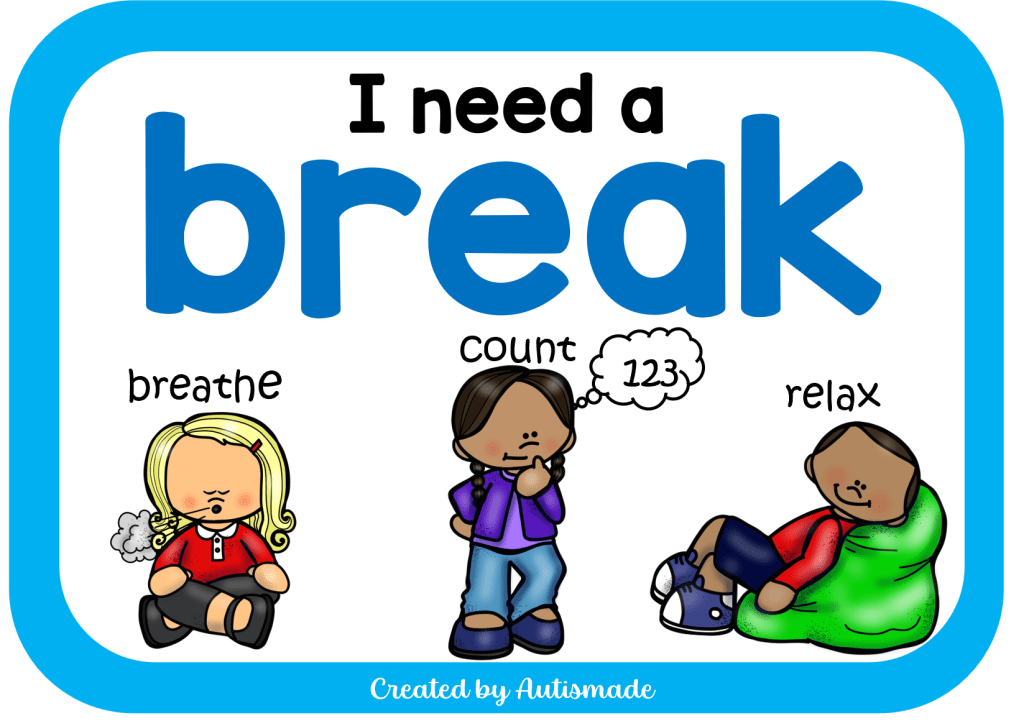
The Easy Way to Teach Nonverbal Students to Ask for a Break!

For many nonverbal students, challenging moments donโ€™t come out of nowhere. They build quietly. Sensory overload, frustration, or just needing a pause. The challenge is not the feeling itself, it is not having a clear way to say, โ€œI need a break.โ€

The good news? This is a skill you can teach, and once it clicks, it can completely shift the tone of your classroom.

Think of this as giving your student a โ€œpause button.โ€

Choose one clear, consistent method:

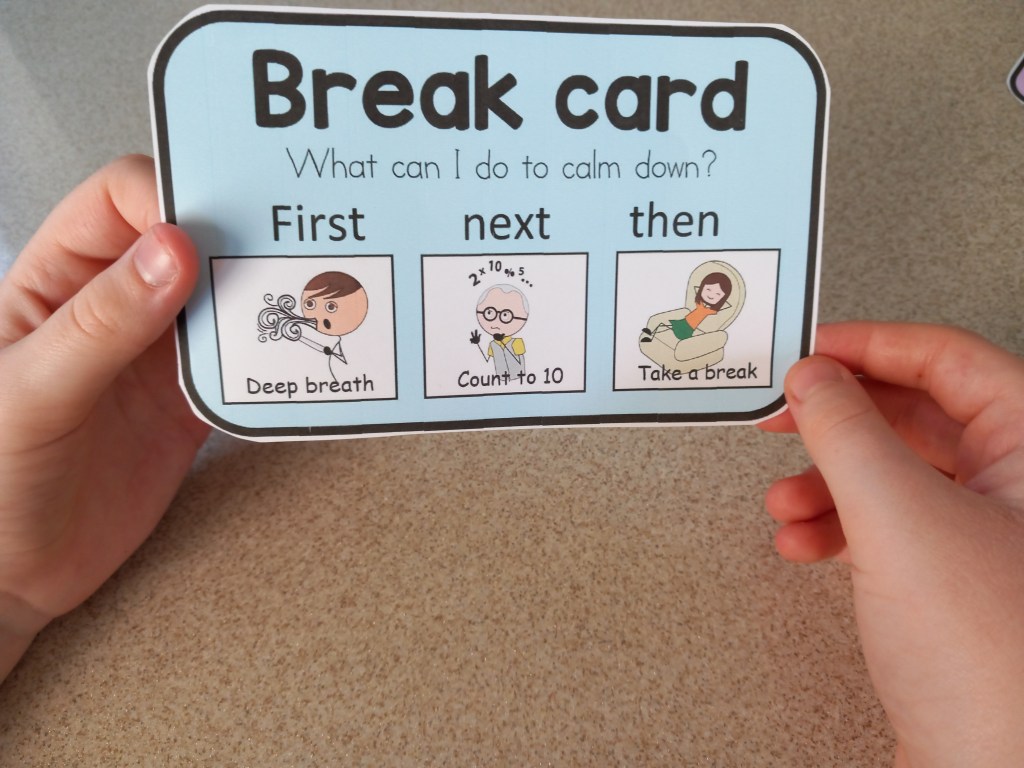
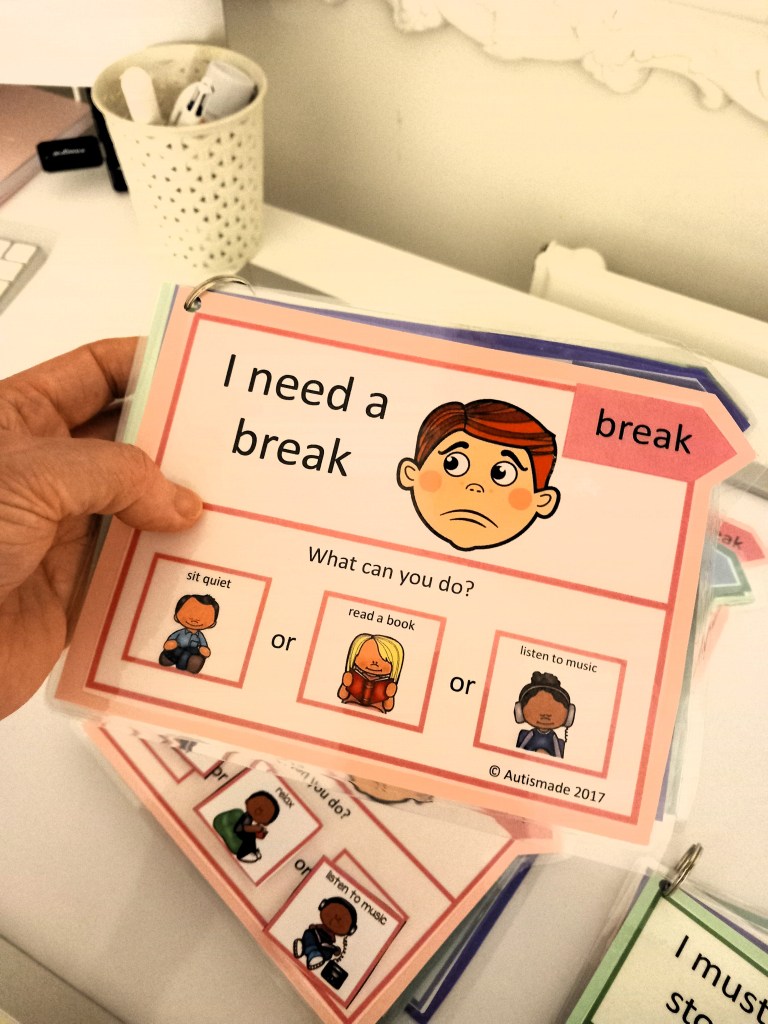
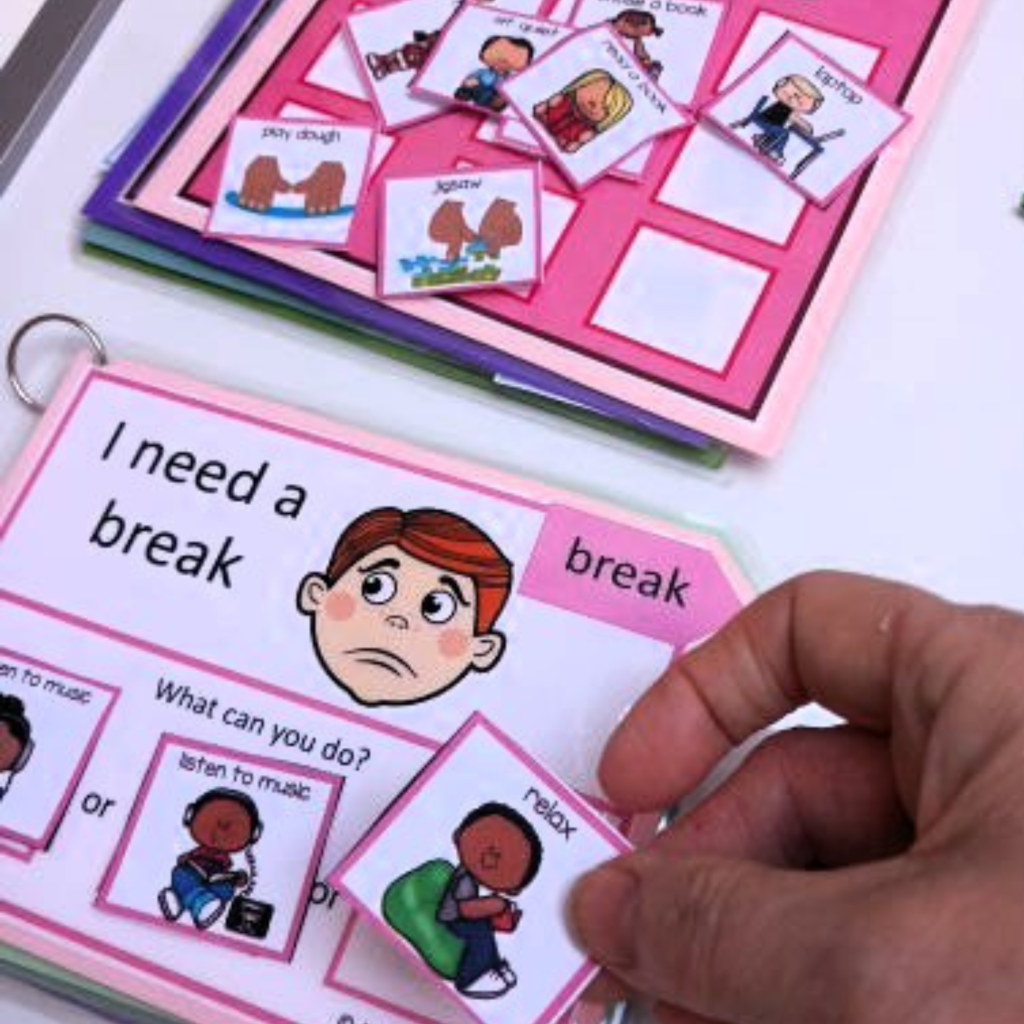
  • A break card with a simple symbol
  • A button on an AAC device
  • A sign or gesture

Keep it easy, accessible, and always within reach. If it takes effort to find, it will not get used when it matters most.

Students will not magically know what the break card means. You need to show them.

Use it yourself. Yes, really.

Pick a calm moment and say, โ€œI need a break,โ€ while using the card or device. Keep the language short and consistent. You are building a connection between the action and the meaning.

Over time, start to fade that support. The goal is independence, not perfection.

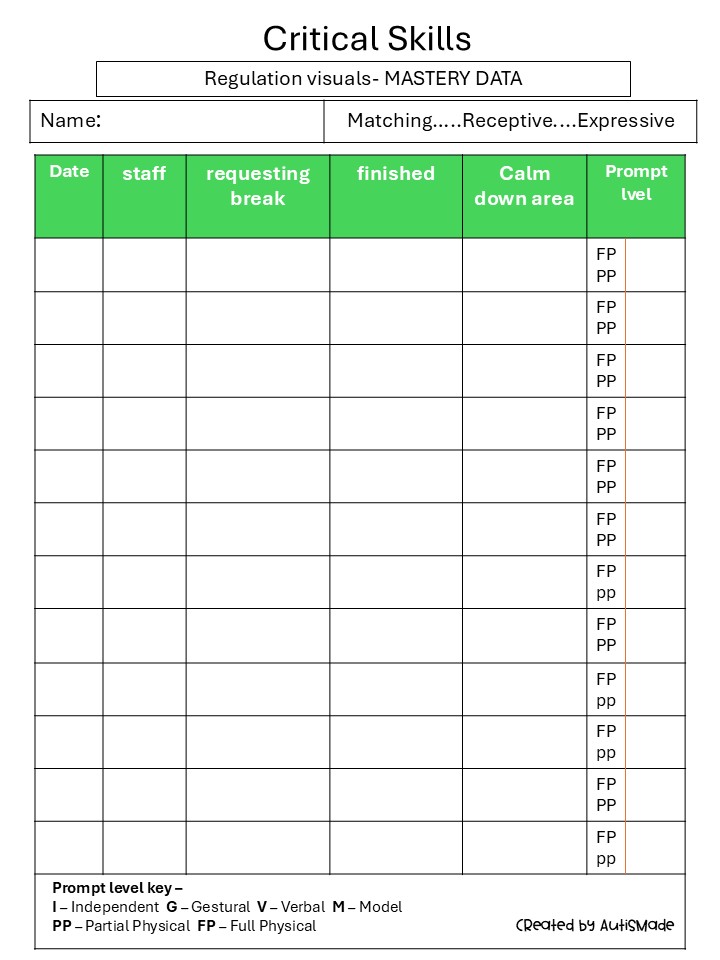
When a student asks for a break, respond like it matters. Because it does.

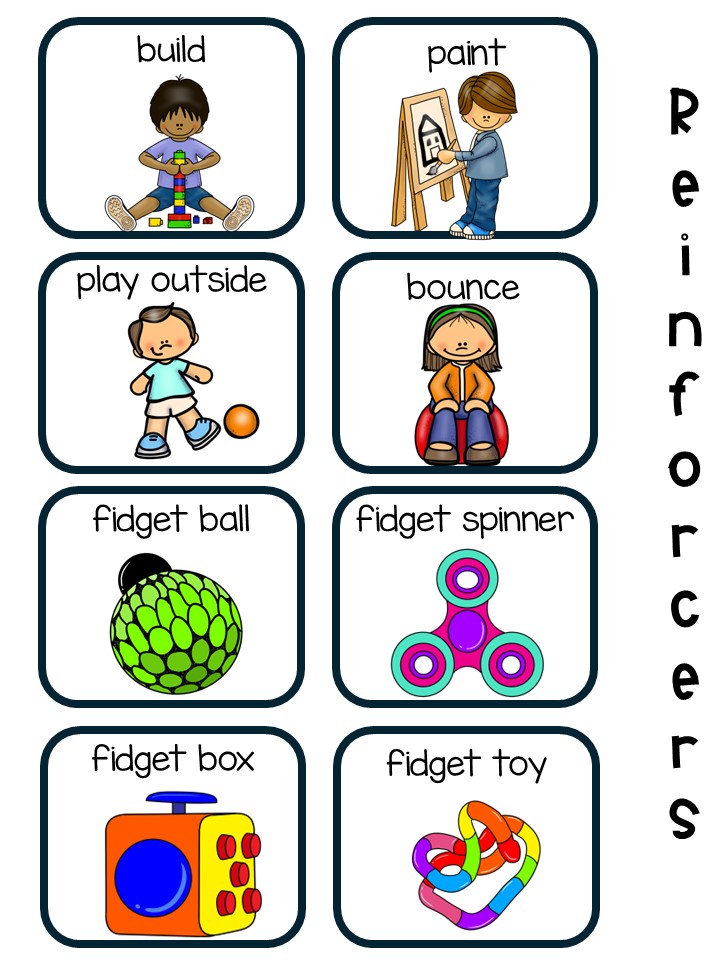
  • Give the break right away
  • Keep it short and predictable (around 3โ€“5 minutes)
  • Use a consistent break space or activity

This teaches one powerful lesson: communication works.

Once the skill is there, you can shape it.

Help students understand timing:

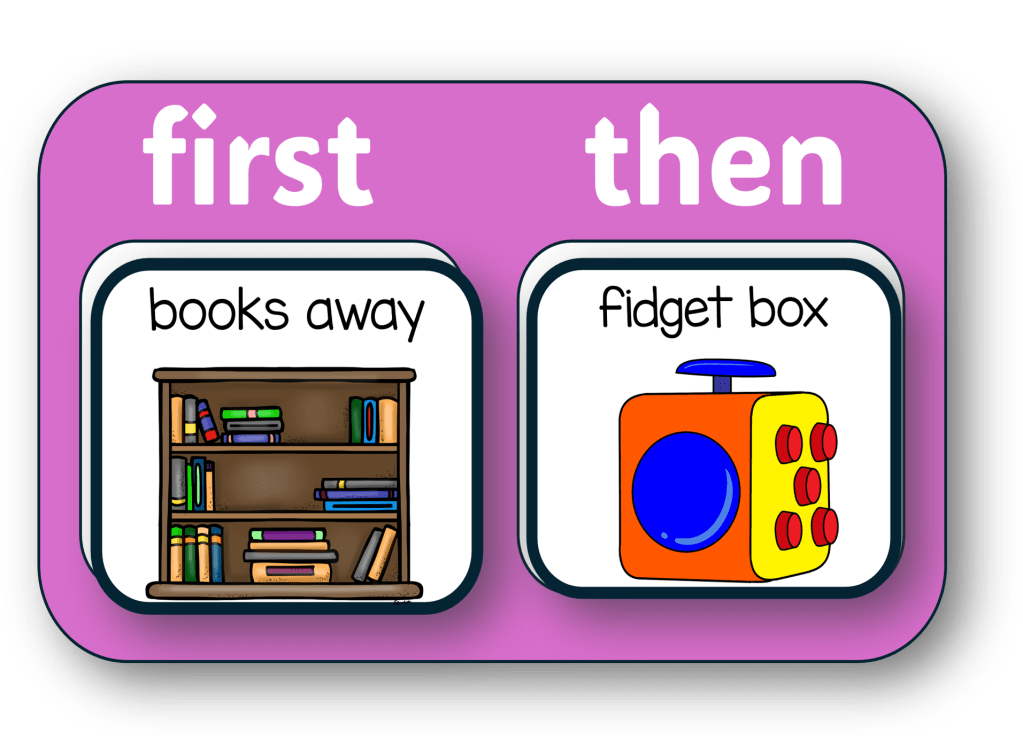
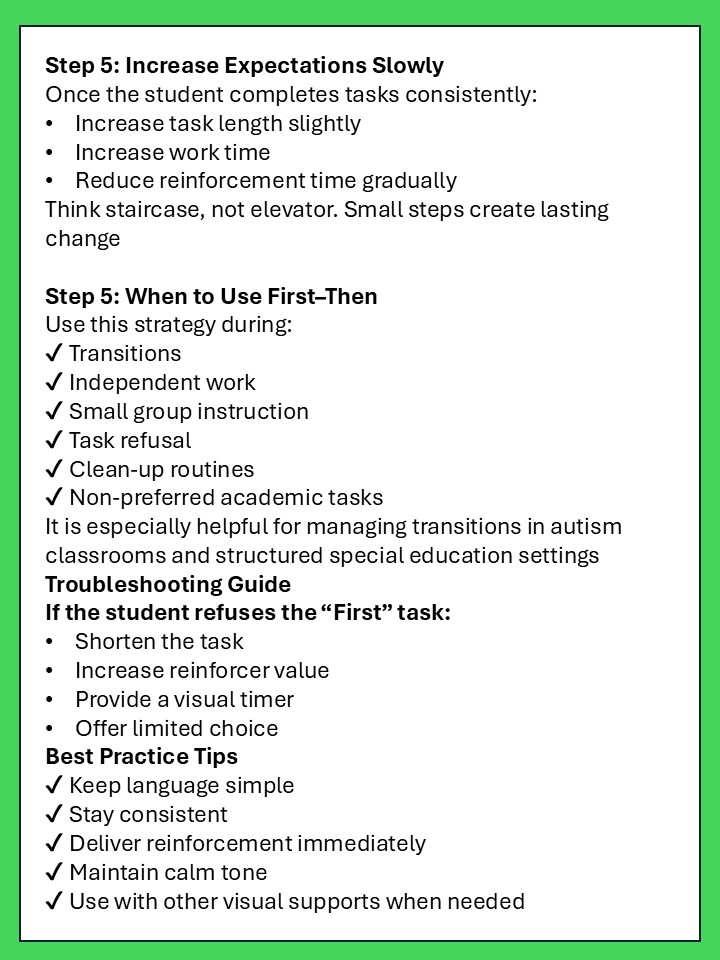
  • Use visuals like โ€œfirst work, then breakโ€
  • Start small (one task, then break)
  • Slowly build up tolerance

This keeps the strategy practical for real classroom routines.

Visuals reduce guesswork and lower stress.

Helpful tools include:

  • Break cards
  • Visual timers
  • Simple schedules

These act like a roadmap, showing students what is happening now and what comes next.

Even great strategies can wobble if these sneak in:

  • Waiting until the student is already overwhelmed
  • Saying โ€œnot nowโ€ when they request a break
  • Turning breaks into a reward or punishment
  • Removing the communication tool

Consistency is what makes the skill stick

Teaching a student to ask for a break is not just about avoiding meltdowns. It is about giving them a voice, a sense of control, and a safer way to navigate their day.

And once that โ€œpause buttonโ€ is in place, everything else becomes a little more manageable. For them, and for you.

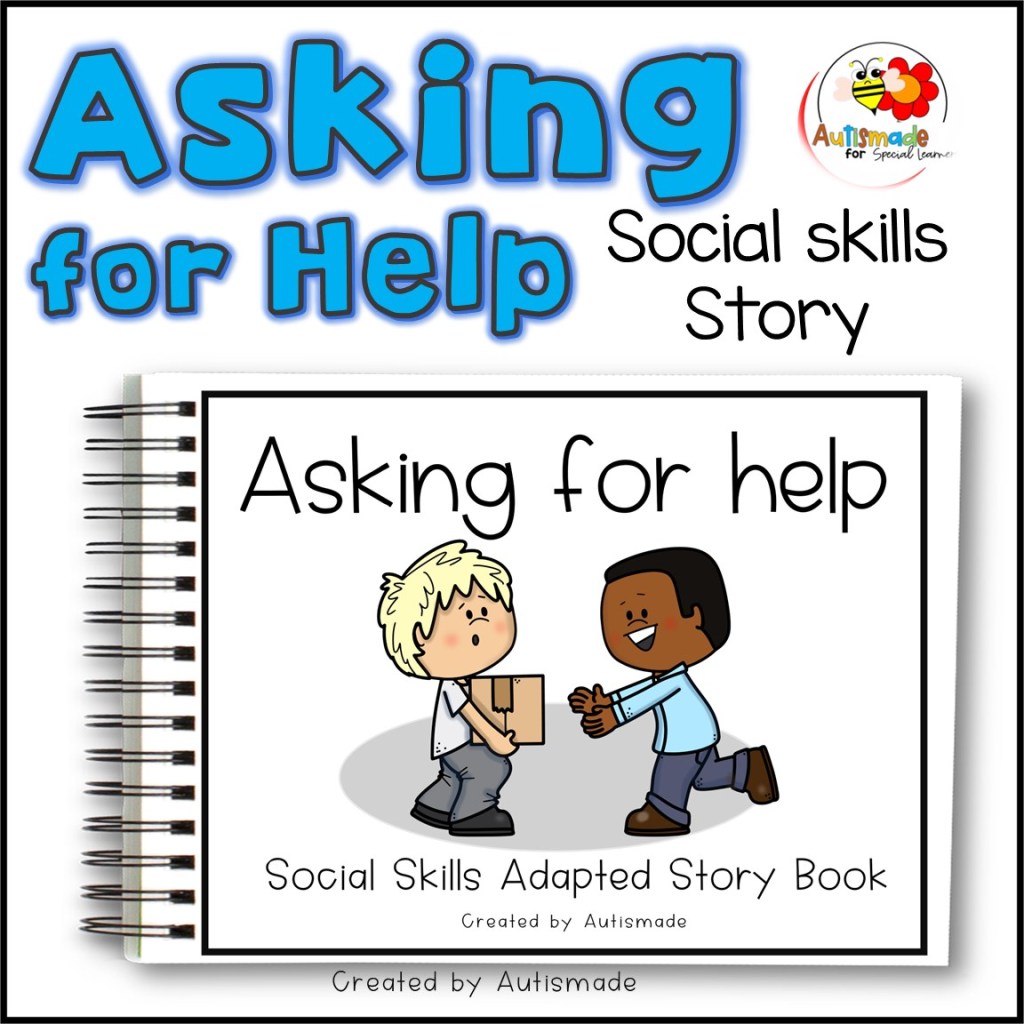
Interactive story for teaching kids to ask for help in Special Education

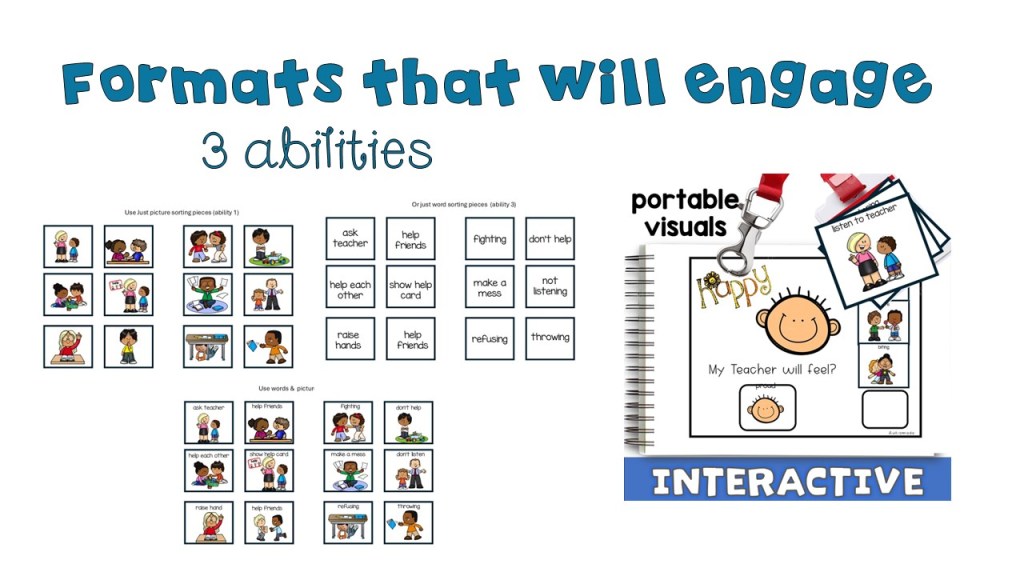
Support students with additional needs in developing essential communication skills with this โ€œAsking for Helpโ€ social skills narrative. Created with clear language, visual supports, and structured activities, this resource helps learners understand how and when to ask for help in a calm, appropriate, and effective way. Ideal for SEN settings, it promotes emotional regulation, independence, and functional communication skills in a supportive learning environment.

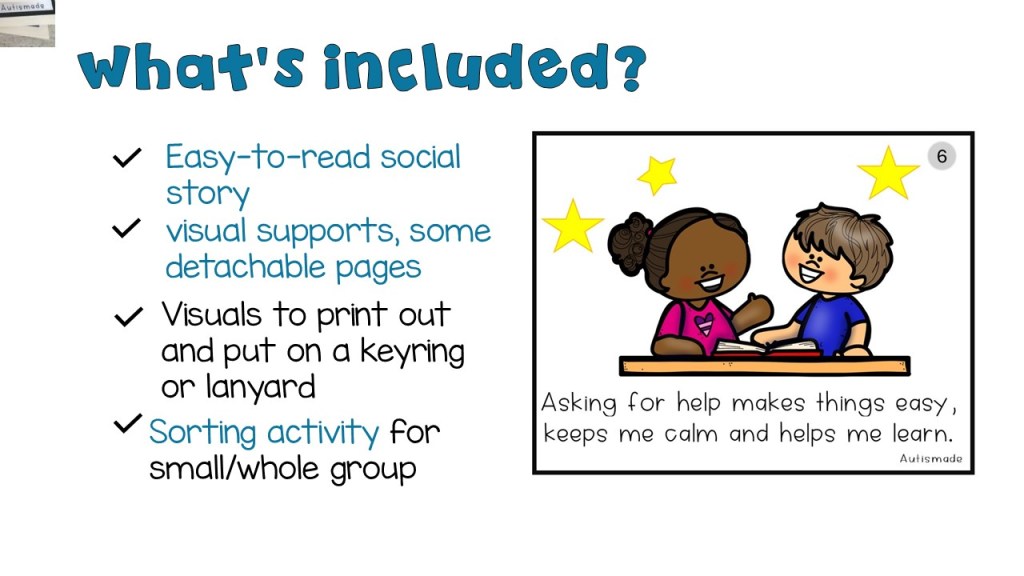
* Easy-to-read social story (kid-friendly text)

* Visual supports on every page, some detachable

* Printable withย some interactive pages

* Great for whole-group lessons, small groups, or one-on-one use

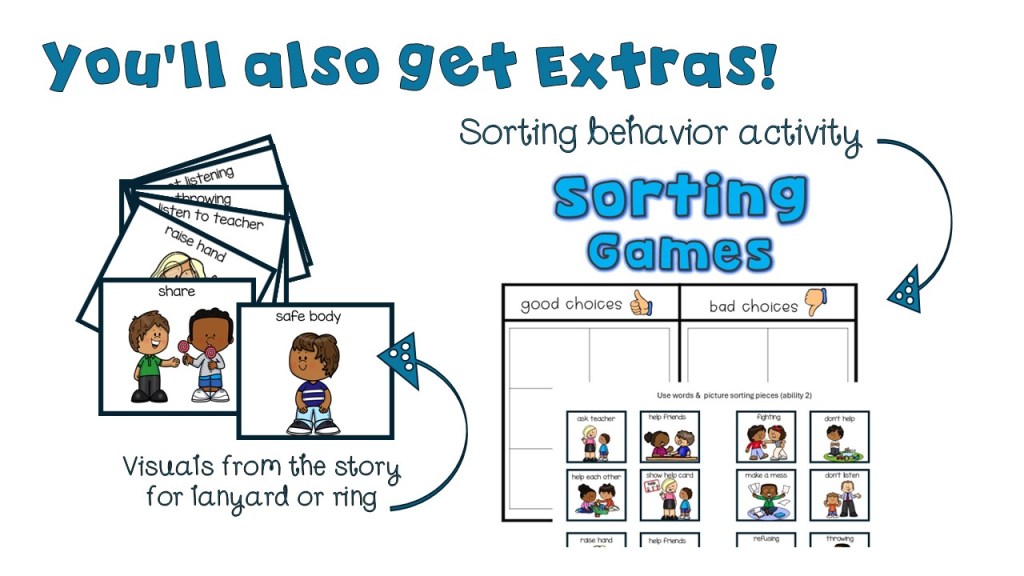
* Behaviorย sorting game with visual cards!

These added resources helpsย teachers, therapists, and parentsย gently guide children through real-life situations where they can make good and bad choices. Great forย supporting classroom expectationsย or helping individual students who need extra practice.

Preschool and Pre-K
Early Childhood Special Education (ECSE)
Social-emotional learningย (SEL)
Behavior support and classroom Expectations

Why you’ll Love It:
Clear visuals support comprehension
Repetitive and predictable text builds confidence

  • Easy to print, laminate,ย or use digitally
  • Portable visuals
  • 3 Abilities

LINKS FOR MORE INTERACTIVE STORIES LIKE THIS

Sharing Social Narrative, Interactive Story & Sharing Social Skills activity

Safe Body Social Story | Interactive No Hitting Social Skills activity

Social Skills Narratives, A Story Bundle for Social Emotional Learning

Empowering Independence with Visual Direction Cue Cards in Special Education

Classroom management in a special education setting often requires creative, student-centered strategies that support diverse learning needs. One highly effective and versatile tool that special educators use is visual direction cards.

Visual direction cards are more than just classroom aides โ€” they are tools that foster independence, reduce behavioral challenges, and create a more structured and inclusive learning environment.

What Are Visual Direction cue Cards?

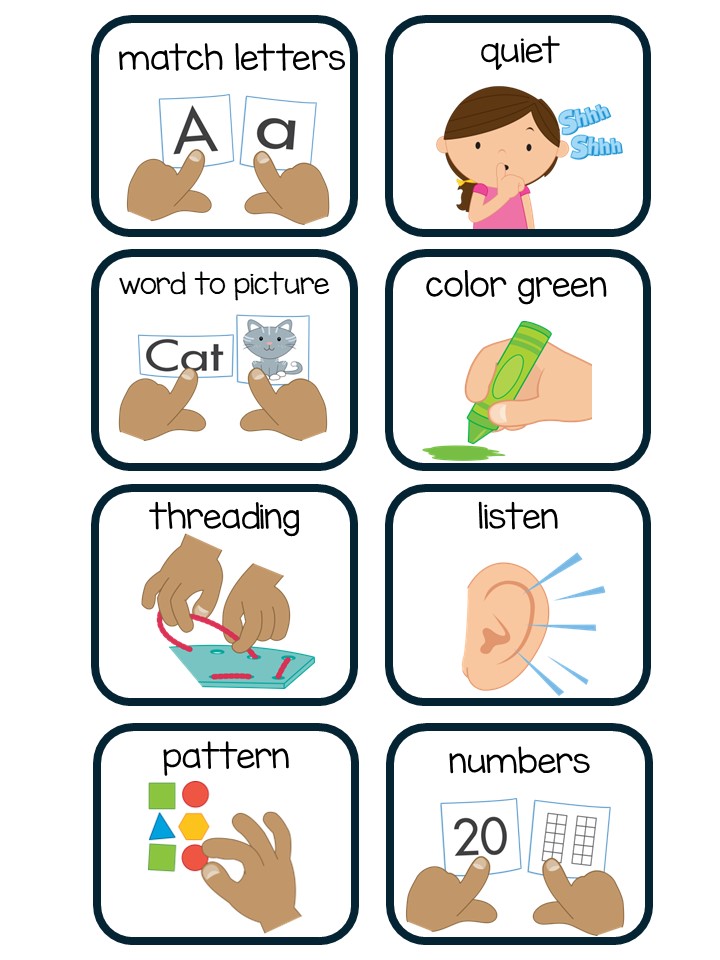
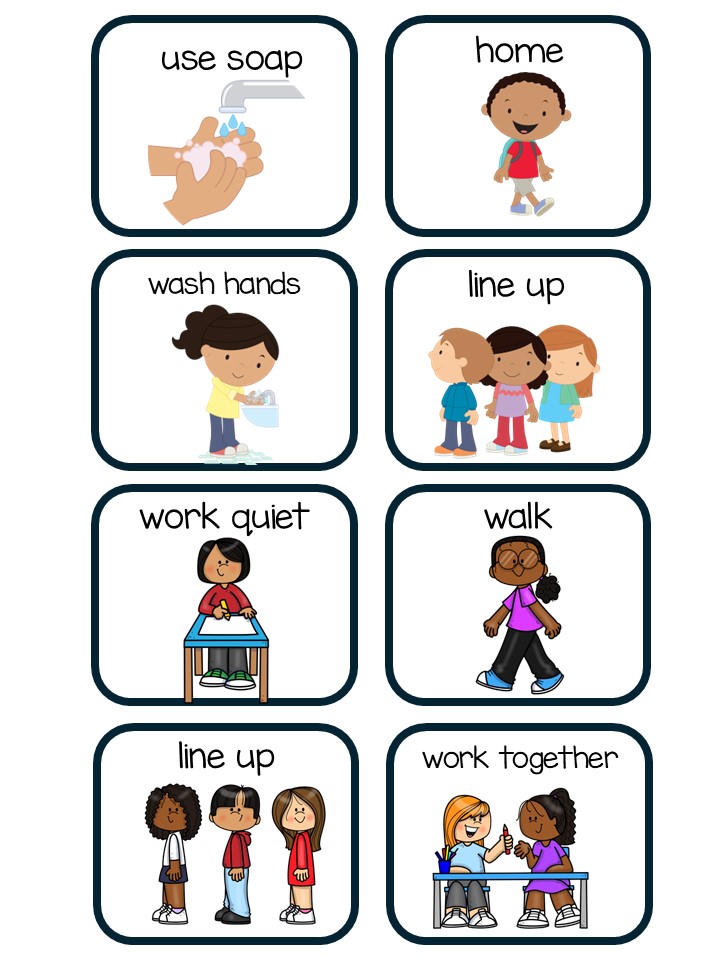
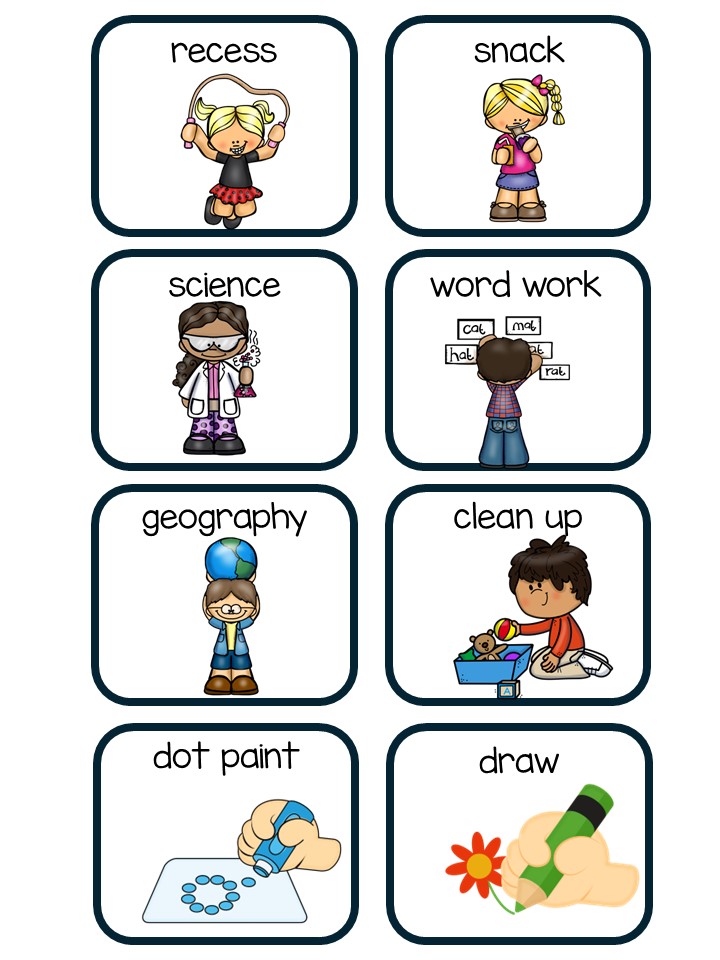
Visual direction cards are simple, illustrated cues that provide clear, step-by-step instructions or expectations. They often use a combination of text and images or symbols to help students understand what is being asked of them, even if they struggle with verbal instructions or have limited language skills.

Examples include:

“Sit down”

“Raise your hand”

“Get your materials”

“Take a break”

“All done”

They can be printed on cardstock, laminated, attached to lanyards, placed on desks, or mounted on Velcro boards for easy access and use

Why Use Visual Direction Cards?

1. Promote Independence
Visuals allow students to process information at their own pace. Instead of relying on adult prompting, they can refer to cards to understand what to do next. This boosts confidence and helps them develop problem-solving skills.

2. Reduce Verbal Overload
Many students in special ed settings experience sensory processing or language delays. Visual directions minimize stress by providing clear, concise instructions without relying on verbal cues.

3. Support Positive Behavior
When expectations are clear, students are more likely to engage in appropriate behavior. Visual cards can be used proactively to guide transitions, routines, and self-regulation.

4. Increase Classroom Efficiency
With visual directions in place, teachers can spend less time repeating instructions and more time facilitating learning.

Grab a free Classroom visual Direction card

Strategies for Using Visual Direction Cards Effectively

1. Teach the Cards
Introduce cards one at a time during calm, structured parts of the day. Model the behavior and have students practice using them until they become familiar.

2. Make It Student-Centered
Personalize cards for individual needs. Some students may need large icons, others may benefit from first-person phrasing (โ€œI need a breakโ€), or even real photos instead of clipart.

3. Create a Visual Schedule
Use direction cards to build a daily schedule that students can follow independently. This supports executive functioning and helps reduce anxiety during transitions.

4. Pair with Reinforcement Systems
When students successfully follow visual directions, reinforce their efforts with praise, token boards, or other motivators. This strengthens the connection between visual cues and positive behavior.

5. Encourage Generalization
Use direction cards in different settings โ€” during centers, specials, lunch, or community outings or for personal hygiene โ€” so students learn to apply the skills beyond the classroom.

Visual direction cards may seem simple, but their impact is profound. They empower students with the tools they need to be more independent, confident, and successful in and out of the classroom.

As a special education teacher, your ability to adapt tools like visual cards can transform daily routines and build lifelong skills for your students.

5 Inclusive Learning Strategies for Special Ed

Every child has their own way of learning and as teachers, we play a powerful role in helping them feel safe, seen, and successful. Here are 5 strategies that I use to promote inclusive learning for my Special Ed Classroom.

1. In my Classroom we:

  • Offer choices in how students learn (visuals, hands-on, listening, movement).
  • Use visual schedules and clear routines to help reduce anxiety.
  • Allow extra time for transitions or assignments.
  • Create quiet spaces or โ€œcalm cornersโ€ for breaks.

2. We Celebrate Strengths by:

  • Focusing on what each student can do, not just where they struggle.
  • Share positive feedback often โ€” even for small steps.
  • Highlight special interests to motivate learning (e.g., dinosaurs, trains, superheroes).
  • Encourage peer recognition of everyoneโ€™s strengths.

3. We Use Clear, Supportive Communication

  • Speak in simple language.
  • Give one instruction at a time, when needed.
  • Use visual aids (pictures, icons, charts) to support understanding.
  • Offer choices when possible (โ€œDo you want to write with a pencil or a marker?โ€).

5. Friendship & Kindness

  • Build a classroom culture where differences are normal and celebrated.
  • Teach and model kindness, sharing and friendship . Use buddy systems to promote friendships and cooperative learning.
  • Read inclusive books and discuss different ways of thinking.

Visit my TPT Store

Visual Strategies for Behavior: Tools to Support Young Learners with Autism

Supporting young learners with autism often means creating structure, predictability, and positive reinforcement throughout the day. One of the most effective ways to do this is through visual strategies. These tools help children understand expectations, make choices, and feel successful โ€” especially when words alone aren’t enough.

Take a look at some of the strategies I use in my classroom.

1. Visual Behavior Support Folder

A Visual Behavior Support Folder is a personalized toolkit that can travel with the child. It includes key visual supports in one place, making it easy for adults to provide guidance on the go.

What to include:

  • Emotion cards (happy, sad, angry, etc.)
  • Coping strategy visuals (deep breaths, sensory break, ask for help)
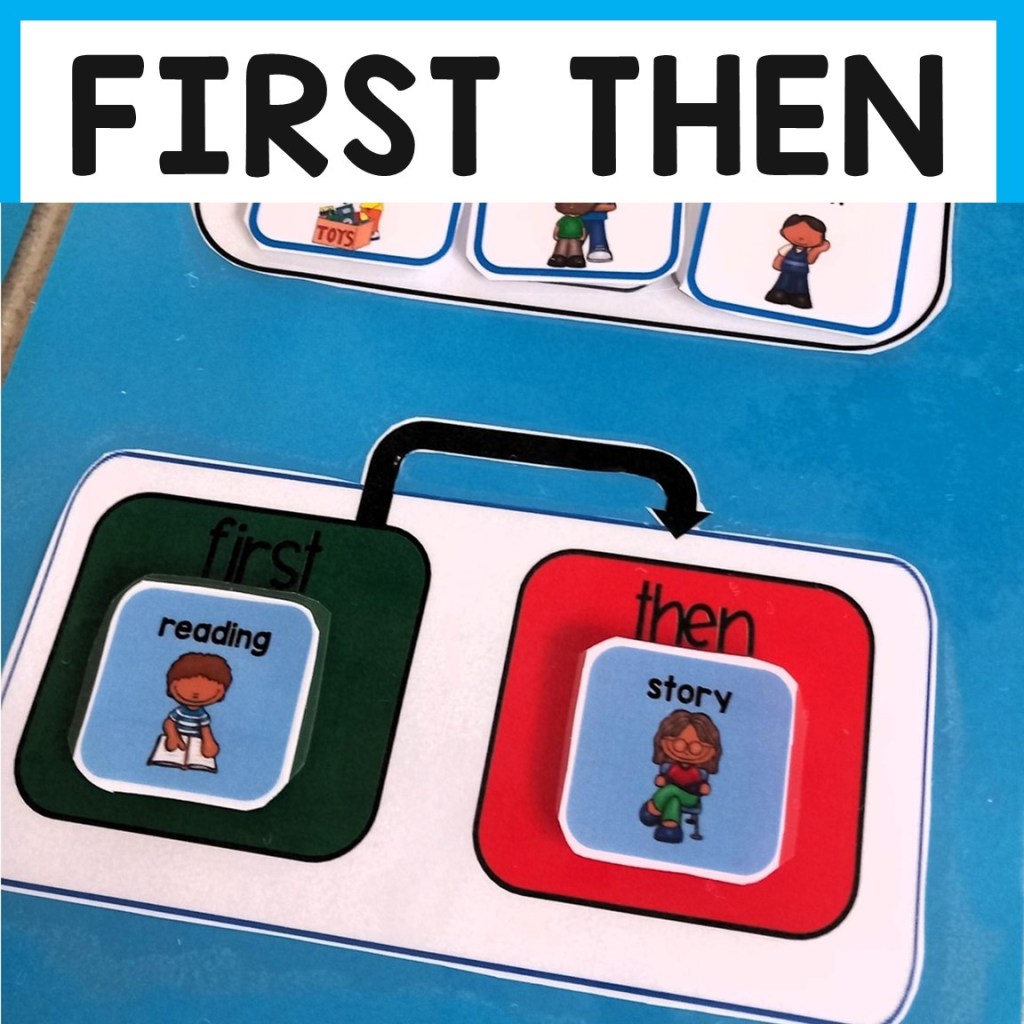
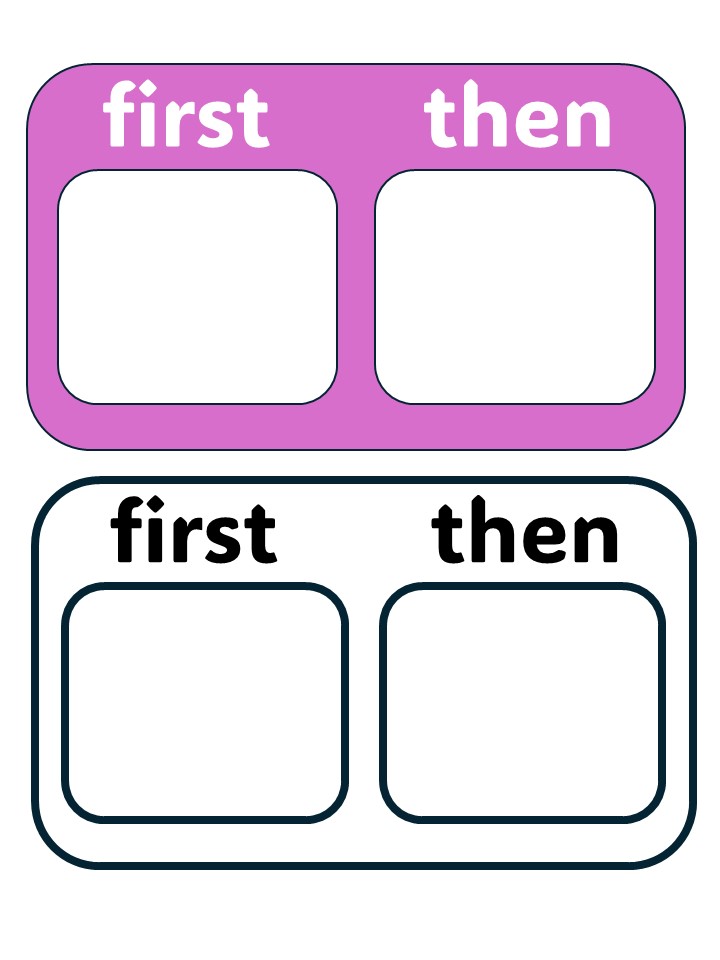
  • First-Then board
  • Mini schedule or task strip
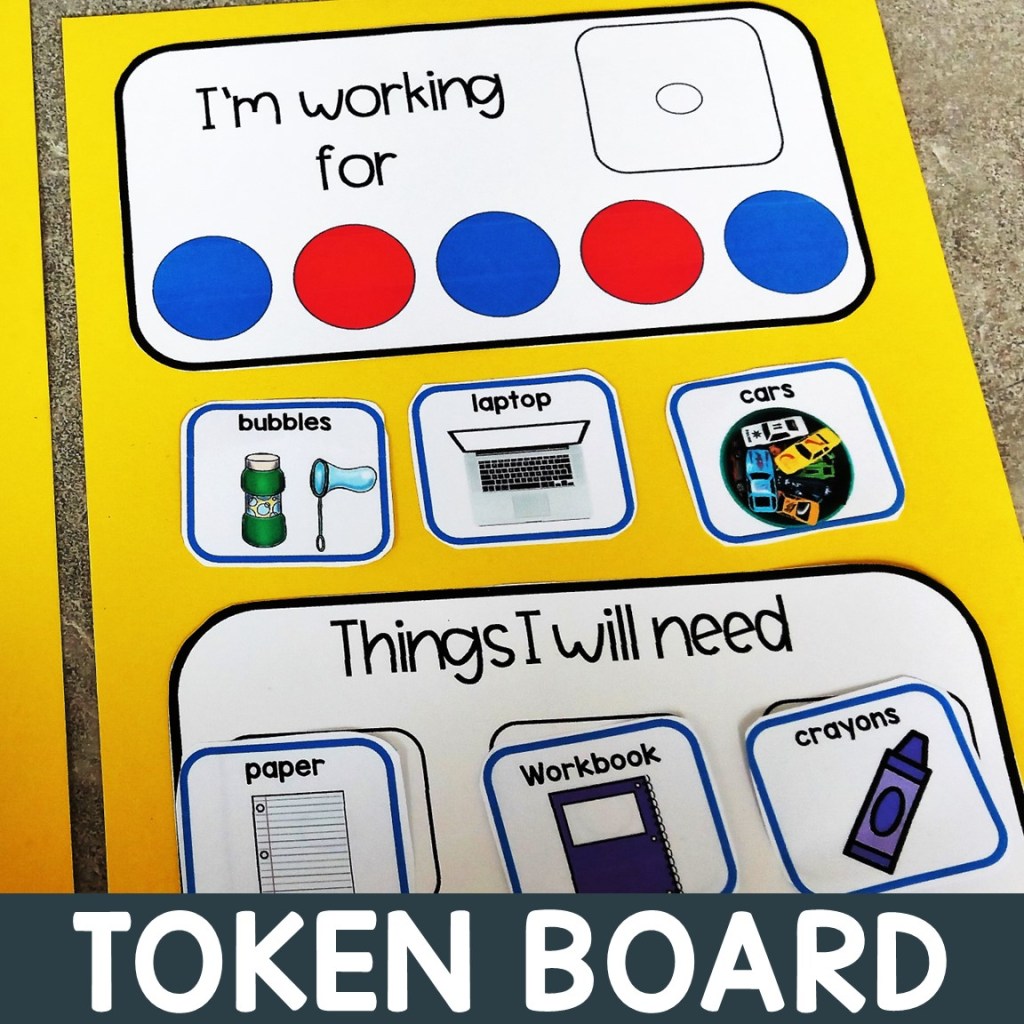
  • Token board

This folder becomes the childโ€™s go-to support system, helping them navigate routines and handle challenges with confidence.

2. Token Reward Systems

Token systems are a great way to encourage positive behavior and build motivation. Children earn tokens for meeting expectations, which they can exchange for a reward (like a favorite toy, snack, or activity).

How it works:

  • Choose a goal behavior (e.g., โ€œQuiet handsโ€ or โ€œFollow directionsโ€).
  • Let the child earn tokens (stickers, stars, smiley faces).
  • When the token board is full, they get their reward!

Itโ€™s simple, visual, and celebrates success โ€” which builds self-esteem and keeps motivation high.


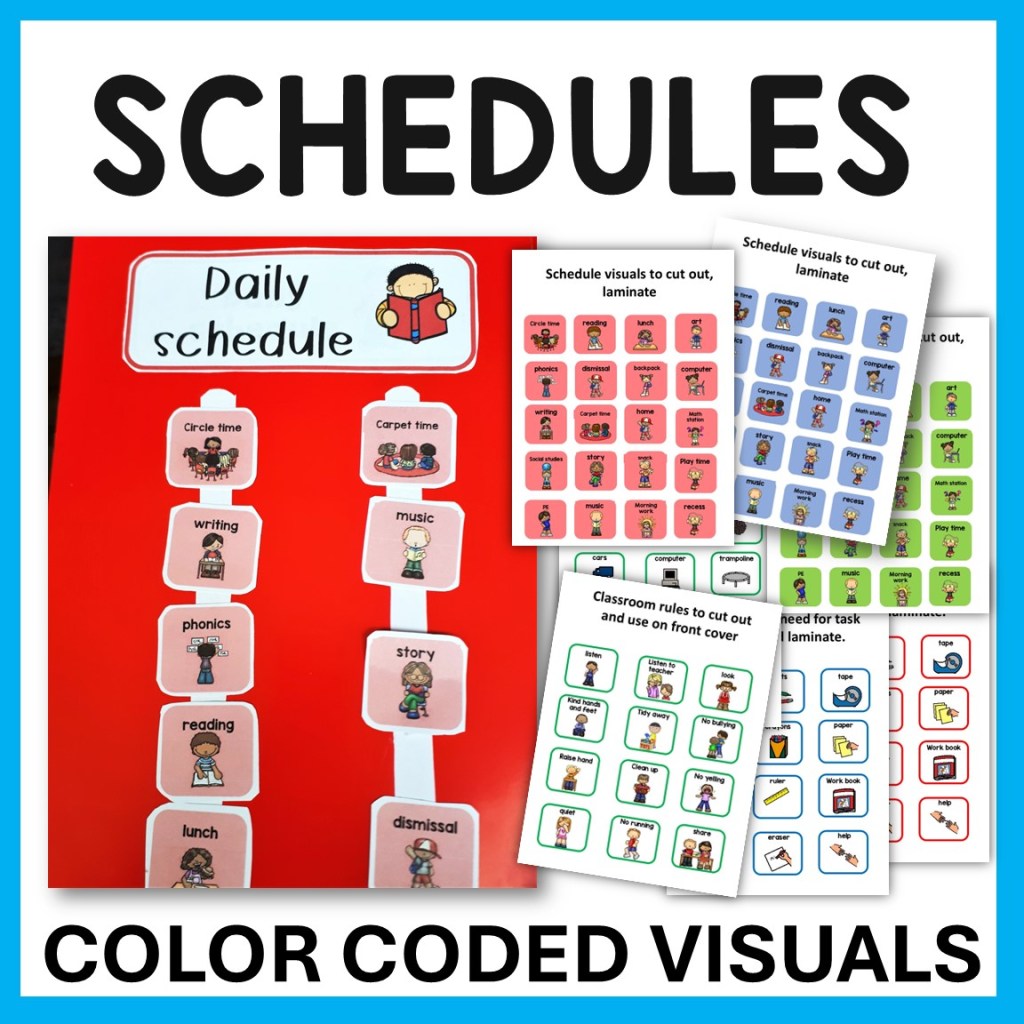
3. Visual Schedules

Visual schedules help children know what to expect. They reduce anxiety, increase independence, and improve transitions.

Types of visual schedules:

You can use Velcro or dry-erase systems to allow flexibility and changes.


4. First-Then Boards

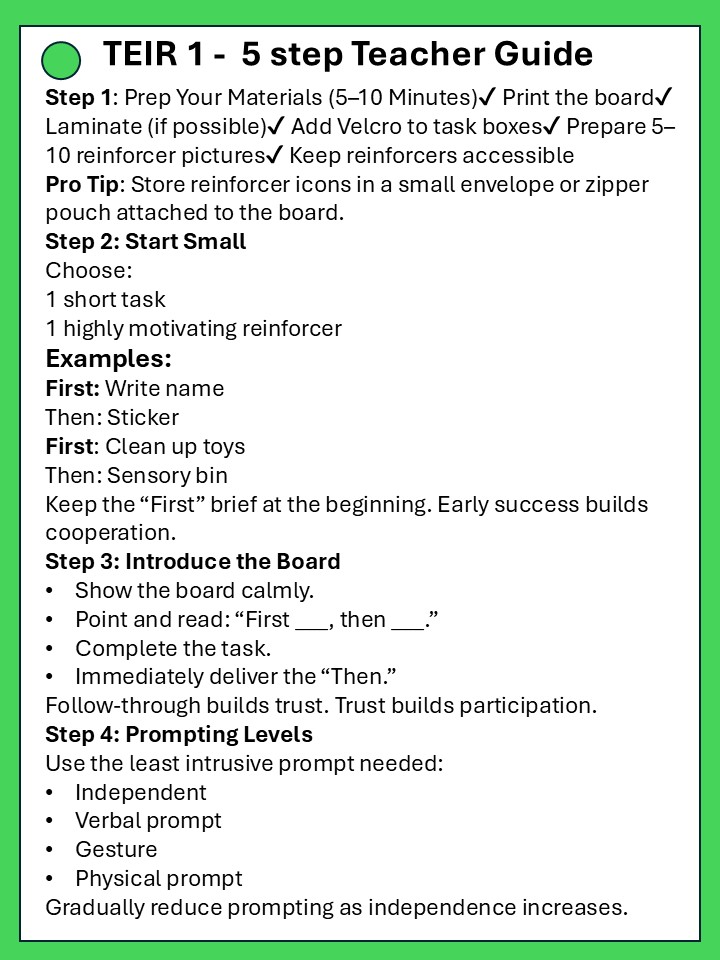
First-Then boards help clarify what needs to happen now and what comes next โ€” especially helpful for non-preferred tasks.

For example:

  • First: Finish puzzle
  • Then: iPad time

This simple format helps reduce resistance and supports smooth transitions. Pairing something less preferred with something motivating is a powerful strategy for cooperation.


Visual strategies aren’t just helpful โ€” they’re essential tools for many young learners with autism. By creating structure and reinforcing positive behavior, tools like token boards, visual schedules, and behavior support in a folder can make everyday life more manageable and enjoyable for everyone involved.

Quick Tip: Start small. Pick one tool and give it a try. Over time, youโ€™ll see how much visual support can help your learner thrive.