Learning with Visual Choice Boards
Math can look very different from one learner to another. For some students, especially children in special education, autism, or students who are non-speaking or use AAC, a traditional worksheet may not always be the best way to show what they know.
That’s where math visual choice boards can make a big difference.
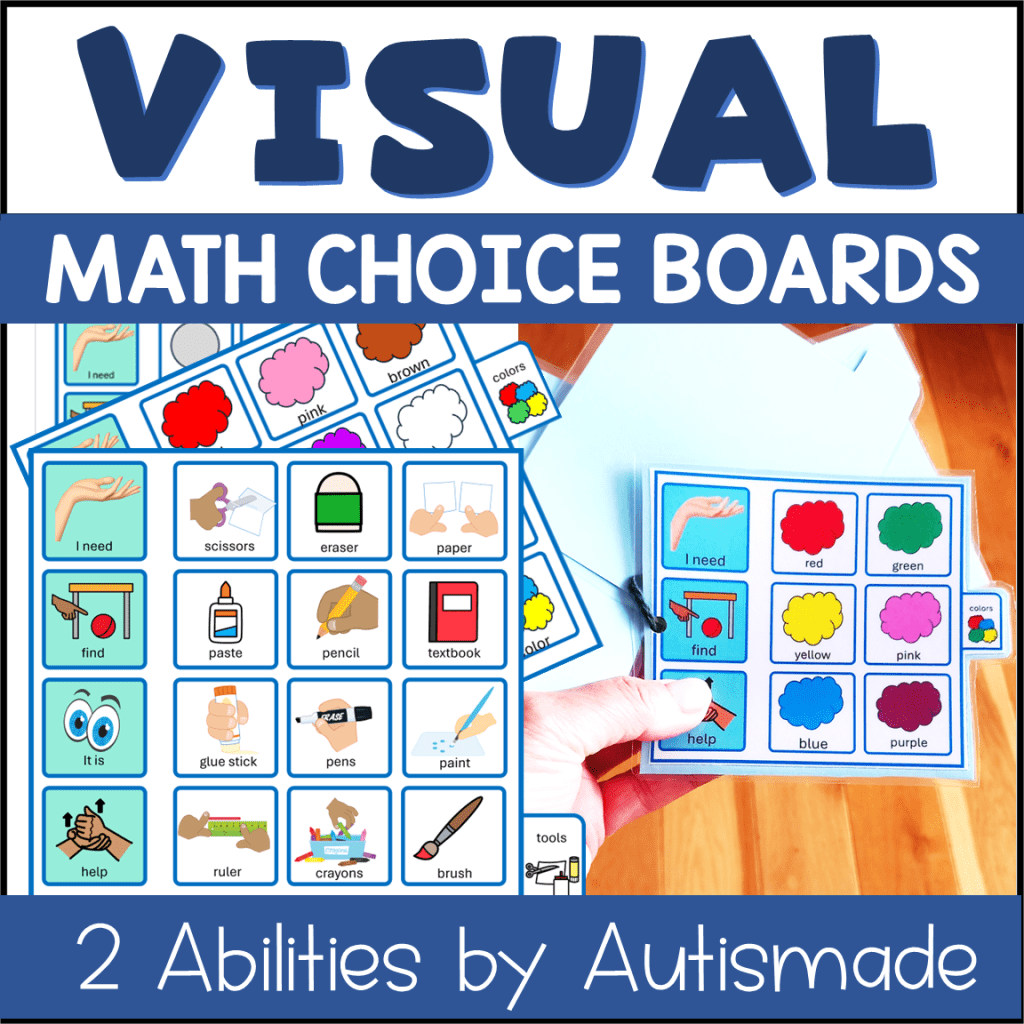
Visual choice boards give students clear, simple choices while helping make math activities more predictable and accessible. They can be especially helpful for students who benefit from visual supports, AAC, structured activities, and reduced language demands.
If you’re looking for an easy way to bring more visual support into your math routine, these Math Visual Choice Boards from ClassroomTab Books are designed with accessibility in mind.
What Are Math Visual Choice Boards?
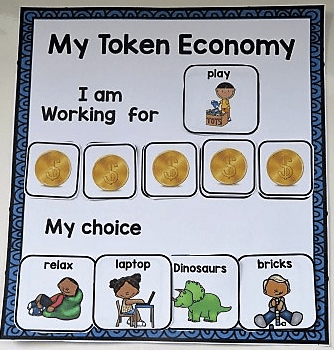
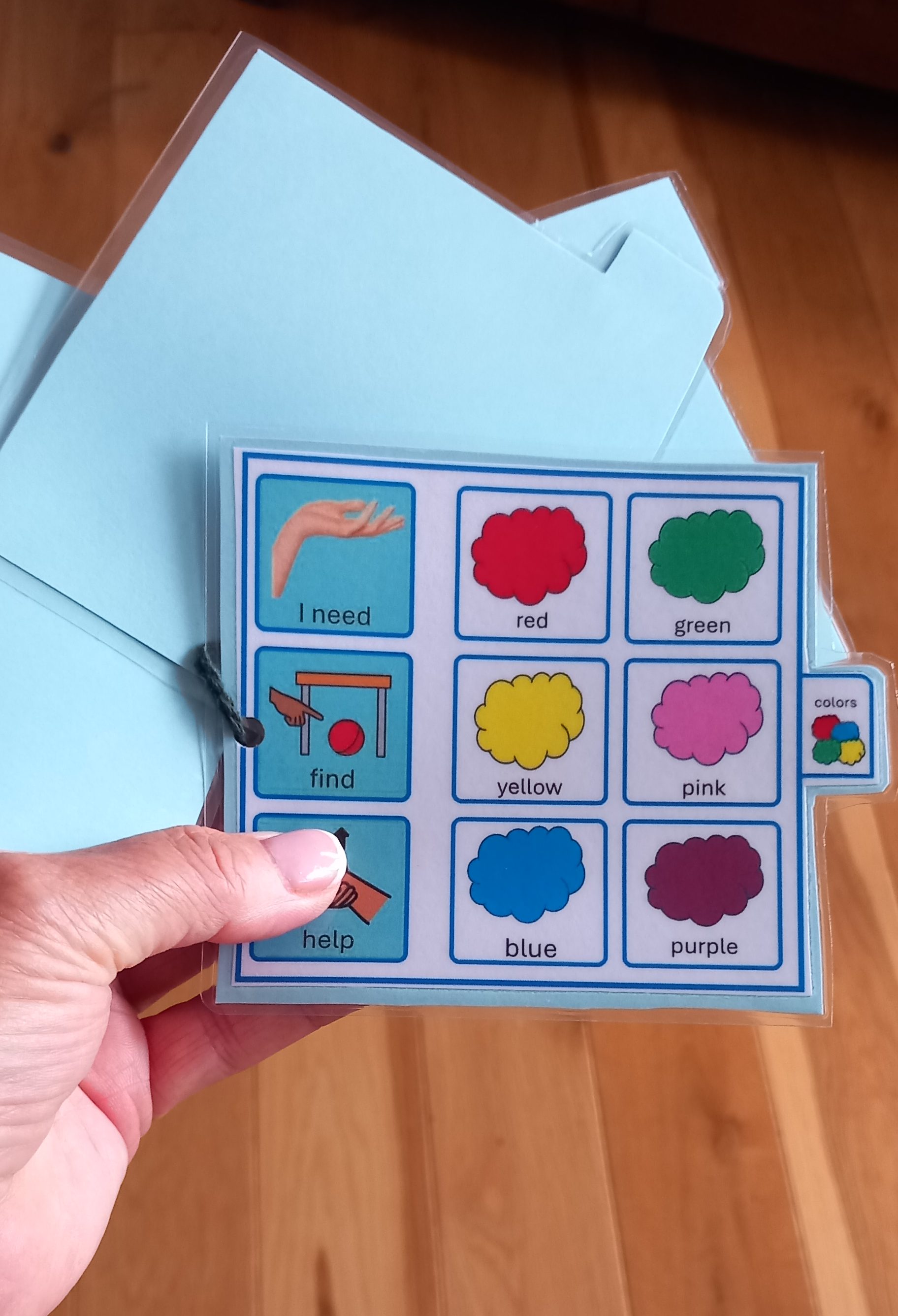
A visual choice board uses pictures, symbols, words, or a combination of these to help students understand their options.
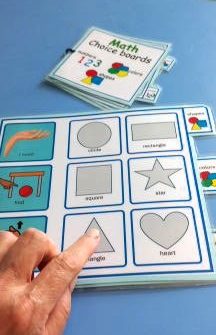
Instead of asking a student a broad question like, “What math activity would you like to do?”, a choice board can provide a few clear options.
For example, a student might choose between:
- Counting
- Matching numbers
- Number identification
- Shapes
The visual format can help students understand what is expected and communicate their choice more independently.
For children who are non-speaking or use AAC, visual choices can also provide another meaningful way to participate and communicate during math.
Why Use Visual Supports for Math?
Math instruction can sometimes involve a lot of verbal directions, abstract concepts, and multiple steps. For students with autism and other learning needs, visual supports can help make those expectations easier to understand.
Math visual choice boards can help students:
Practice functional communication
Make a choice independently
Understand the activity before beginning
- Reduce the amount of verbal prompting needed
- Participate in math activities in a more accessible way
- Build confidence with independent work
- Connect communication and academic learning
The goal isn’t to make math easier just for the sake of making it easier. The goal is to give students a way into the activity.

Designed for Two Abilities
One of the helpful features of these printable math visual choice boards is that they are available for two ability levels.
This makes it easier to provide the same type of visual structure while adjusting the activity to meet individual student needs.
That can be especially useful in special education classrooms where students may be working on very different skills during the same math block. You can use the choice boards for:
One-to-one instruction
Special education math instruction
Autism classrooms
Self-contained classrooms
Resource rooms
- One-to-one instruction
- Small-group math
- Independent work
- Visual schedules and structured work systems
- AAC-supported learning
Two Sizes for Flexible Classroom Use
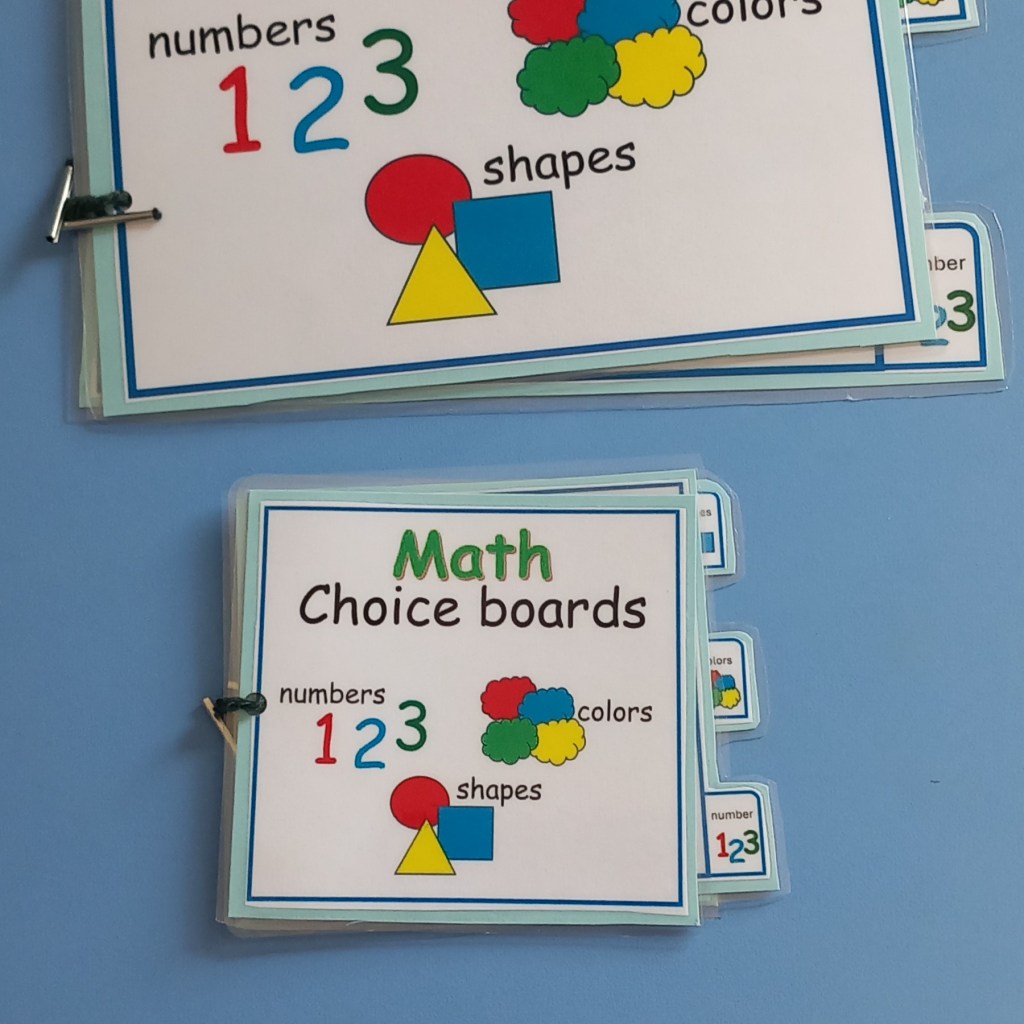
The printable choice boards come in two sizes, giving you flexibility depending on how you plan to use them.
A larger format can work well when the board needs to be displayed or easily seen during a lesson. A smaller format can be useful for individual student work, desks, binders, folders, or portable communication supports.
Having different sizes means you can choose what works best for your classroom setup and your students.
Math + AAC = More Opportunities to Communicate
For students who use AAC, academic activities can be an important opportunity for communication.
A math activity doesn’t have to be separate from communication practice.
A student can use a visual choice board to communicate:
“I want this.”
“I choose counting.”
“I’m finished.”
“I need help.”
Or simply make a choice between two activities/answers.
These small moments can create meaningful opportunities for students to practice functional communication while participating in academic learning.
Visual supports can also help reduce the pressure of having to understand a long
verbal question before responding.

A Great Addition to Your Special Education Math Toolbox
Teachers and support staff often need resources that are simple to prepare and easy to use.
That’s one reason printable resources can be so helpful.
You can print the Math Visual Choice Boards, prepare them for your classroom, and add them to the routines you already have in place.
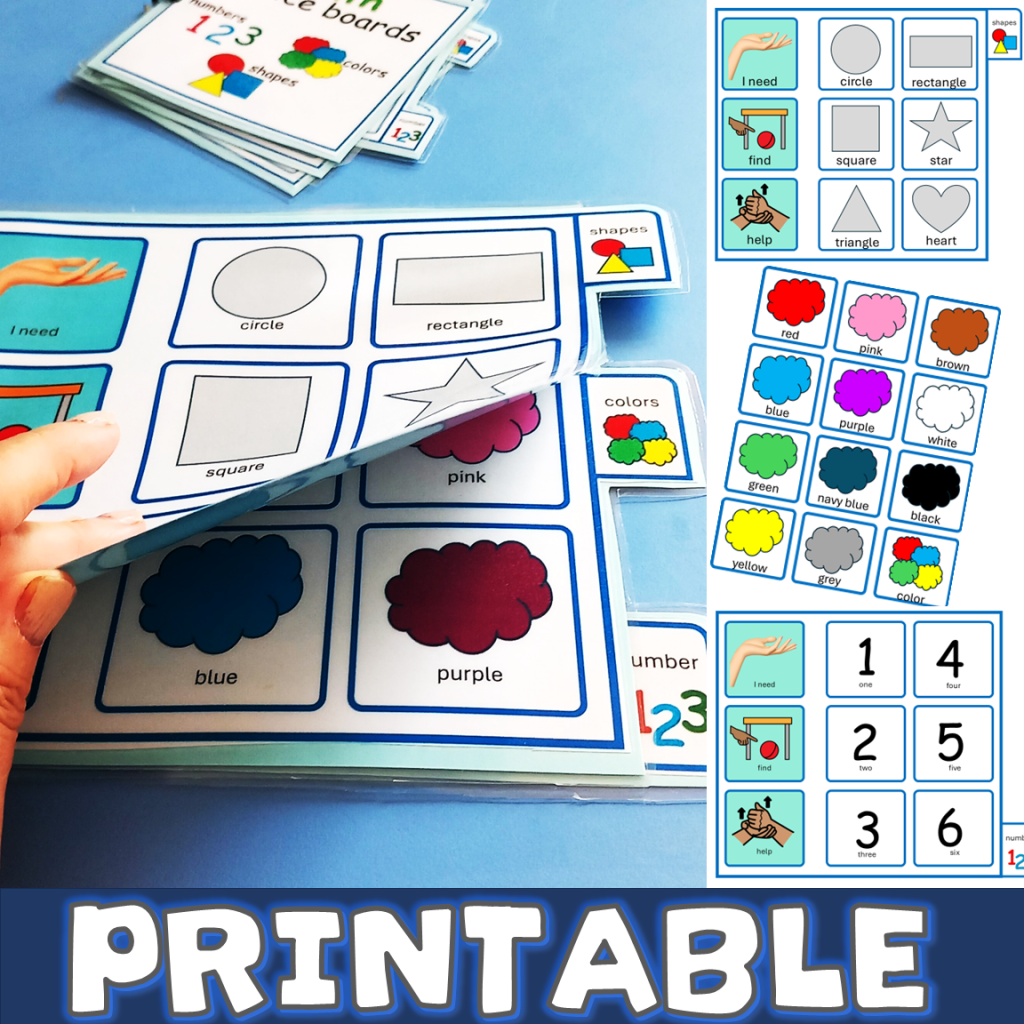
Keeping Math Positive and Predictable
For many students, knowing what is going to happen next can make classroom routines feel more manageable.
A visual choice board gives students information before they begin. Instead of math feeling like an unexpected demand, students can see their options and have a role in deciding what comes next.
That little bit of control can be powerful.
And sometimes the simplest classroom supports are the ones we reach for again and again.
Get the Math Visual Choice Boards on TPT
If you’re looking for printable math activities for special education, visual supports for students with autism, or resources that can be paired with AAC, take a look at the Math Visual Choice Boards – ClassroomTab Books AAC resource on Teachers Pay Teachers.
With two ability levels and two printable sizes, the resource is designed to give you flexibility while supporting students with different learning and communication needs.