Empowering Independence with Visual Direction Cue Cards in Special Education

Classroom management in a special education setting often requires creative, student-centered strategies that support diverse learning needs. One highly effective and versatile tool that special educators use is visual direction cards.

Visual direction cards are more than just classroom aides — they are tools that foster independence, reduce behavioral challenges, and create a more structured and inclusive learning environment.
What Are Visual Direction cue Cards?

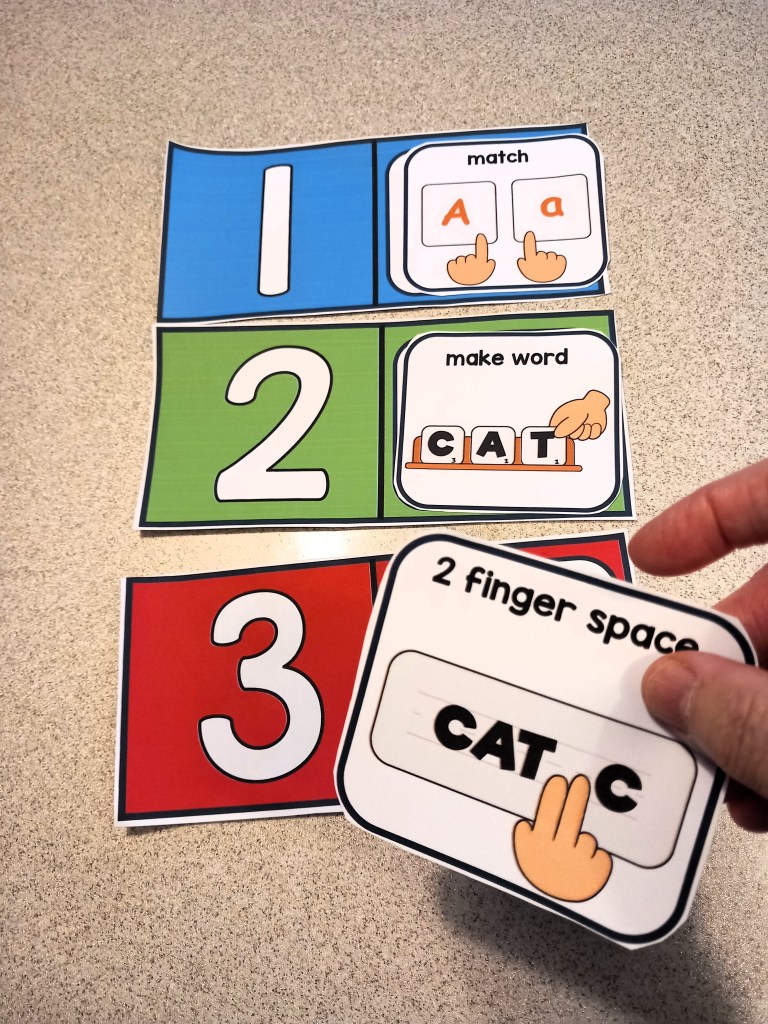
Visual direction cards are simple, illustrated cues that provide clear, step-by-step instructions or expectations. They often use a combination of text and images or symbols to help students understand what is being asked of them, even if they struggle with verbal instructions or have limited language skills.

Examples include:

“Sit down”

“Raise your hand”

“Get your materials”

“Take a break”

“All done”

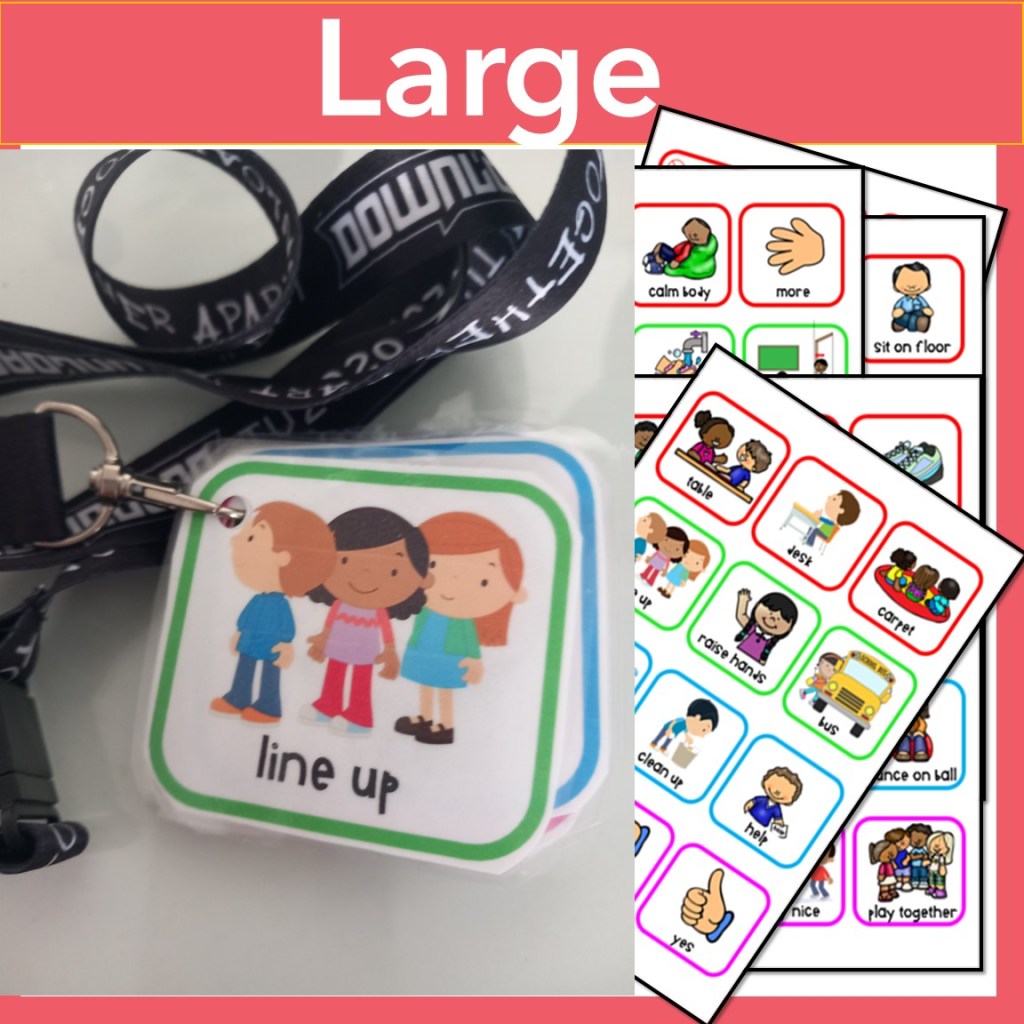
They can be printed on cardstock, laminated, attached to lanyards, placed on desks, or mounted on Velcro boards for easy access and use

Why Use Visual Direction Cards?

1. Promote Independence
Visuals allow students to process information at their own pace. Instead of relying on adult prompting, they can refer to cards to understand what to do next. This boosts confidence and helps them develop problem-solving skills.

2. Reduce Verbal Overload
Many students in special ed settings experience sensory processing or language delays. Visual directions minimize stress by providing clear, concise instructions without relying on verbal cues.

3. Support Positive Behavior
When expectations are clear, students are more likely to engage in appropriate behavior. Visual cards can be used proactively to guide transitions, routines, and self-regulation.

4. Increase Classroom Efficiency
With visual directions in place, teachers can spend less time repeating instructions and more time facilitating learning.

Grab a free Classroom visual Direction card

Strategies for Using Visual Direction Cards Effectively

1. Teach the Cards
Introduce cards one at a time during calm, structured parts of the day. Model the behavior and have students practice using them until they become familiar.

2. Make It Student-Centered
Personalize cards for individual needs. Some students may need large icons, others may benefit from first-person phrasing (“I need a break”), or even real photos instead of clipart.

3. Create a Visual Schedule
Use direction cards to build a daily schedule that students can follow independently. This supports executive functioning and helps reduce anxiety during transitions.
4. Pair with Reinforcement Systems
When students successfully follow visual directions, reinforce their efforts with praise, token boards, or other motivators. This strengthens the connection between visual cues and positive behavior.

5. Encourage Generalization
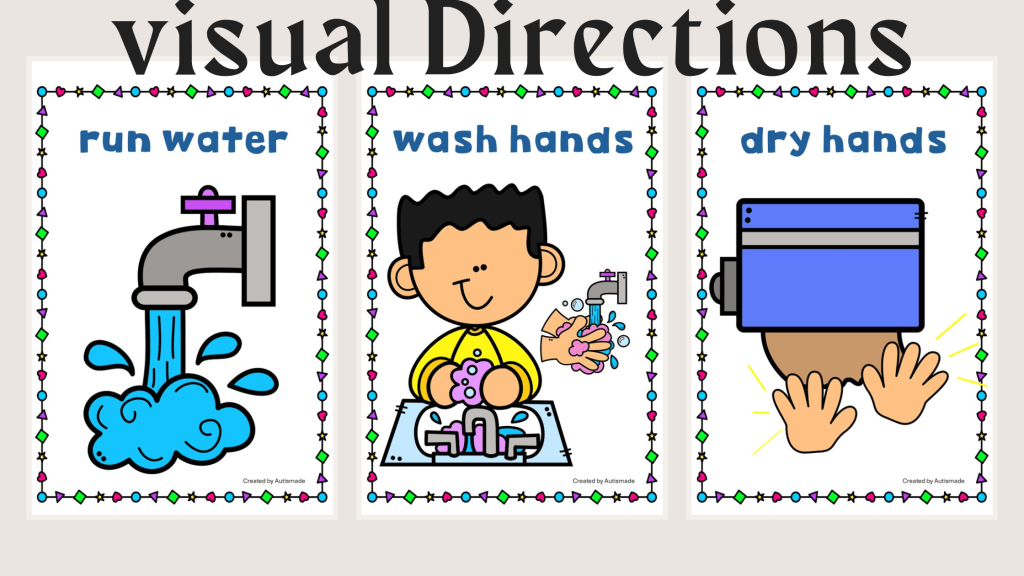
Use direction cards in different settings — during centers, specials, lunch, or community outings or for personal hygiene — so students learn to apply the skills beyond the classroom.
Visual direction cards may seem simple, but their impact is profound. They empower students with the tools they need to be more independent, confident, and successful in and out of the classroom.

As a special education teacher, your ability to adapt tools like visual cards can transform daily routines and build lifelong skills for your students.

Schedule Templates for Preschool Special Education Classrooms

You can now enjoy a more structured day for your special needs preschooler with these printable schedule templates! An easy-to-use guide will help you create individualized, fun learning experiences tailored to your child’s specific needs and capabilities.

This quick rundown will provide you with a few tips and strategies to help you create the perfect routine for your little learner.

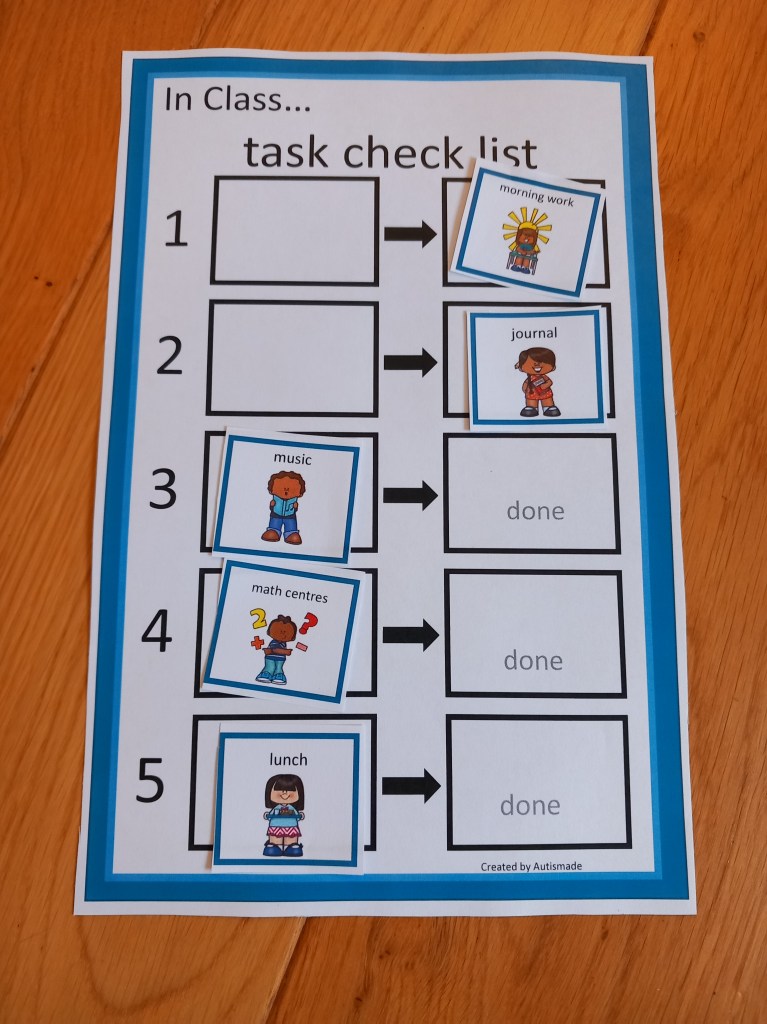
1. START SIMPLE – Make visuals for just meaningful times of the day eg, morning work, break, lunch etc,  this will help your young learner to recognise and correspond each picture with each of the activities.

2. BUY A LAMINATOR – Your laminator will become your friend! If you want all your hard work to last, laminate all mounts and visuals because they are going to go through a tough time!

3. WALL MOUNT  – Mount on a wall, the schedule must be low enough for your student to access and take away finished symbols.

4. USE A FINISHED BOX – Attach a finished box at the end or side of the schedule to drop the finished visuals in before starting a new activity. 

5. TRY A FILE FOLDER – A portable schedule can be used in a file folder in the same way as a wall mounted one. I find these easier with older children to check into the activities and more efficient in busy classrooms. Pop their name on it and keep all their individual support visuals in one place. 

6. MODLE AND PRACTICE – Always model, practice and remind your busy student at the beginning of each activity to, “check in”, or “check your schedule“.   Make a plan to pull back on all prompting until they begin to use this system independently!

Ask yourself questions to find the right types of schedule to fit the learners needs.

  1. Are your students able to pull off visuals when finished or can they tick a box?
  2. Do they need visuals?
  3. Can they read or write out the schedule?
  4. Can they tell the time and follow the order of the day?

For more resources visit my TPT Store!

Editable Visual Schedules

Editable Schedules for Classroom Management

Reward Chart Systems for Behavior Management|schedule|Token Economy|First & Then

Daily Planner Binder – Back to School for Kindergarten & Special Education

Tips for setting up Visual Schedules in Special ED

Having a selection of Communication Strategies ready to use is always a good idea in Special Ed! Having a visual schedule is one strategy I find very effective in class. Below I’ve listed my schedule tips and other strategies that have really helped my young leaners settle into a structured learning environment.

Visual Schedules – Set out visuals to reflect the order of the class day. They should be designed to support your student through a smooth transition eg. from activity to activity, room to room or within tasks.  

Here are some quick tips for setting up and getting started!

1. START SIMPLE – Make visuals for just meaningful times of the day eg, morning work, break, lunch etc,  this will help your young students learn to recognise and correspond each picture with each of the activities.

2. BUY A LAMINATOR – Your laminator will become important! If you want all your hard work to last, laminate all mounts and visuals because they are going to go through a tough time!

3. WALL MOUNT  – Mount on a wall, the schedule must be low enough for your student to access and take away finished symbols in the daily routine. 

4. USE A FINISHED BOX – Attach a finished box at the end or side of the schedule to drop the finished visuals in before starting a new activity. 

5. TRY A FILE FOLDER – A portable schedule can be used in a file folder in the same way as a wall mounted one. I find these easier with older children to check into the activities and more efficient in busy classrooms. Pop their name on it and keep all their individual support visuals in one place. 

6. MODLE AND PRACTICE – Always model, practice and remind your busy student at the beginning of each activity to, “check in”.  Make a plan to pull back on all prompting until they begin to use this system independently!

Timers – For giving a break and reminding students how long they need to work and how long left on free time!

Routines – Keep Break, Lunch and free choice the same time each day!

Consistency – All staff should use the same strategies and follow this classroom management structure!

Positive Reinforcers – Use token reward boards, First and Then, Behavior regulation tools and Reward systems tailored to individual interests and likes!

Communication – Critical skills for Functional Communication, a means in which your non verbal student is able to request a “break” “help”  or asked to “wait”

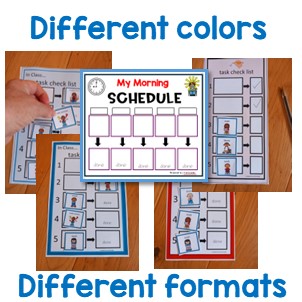
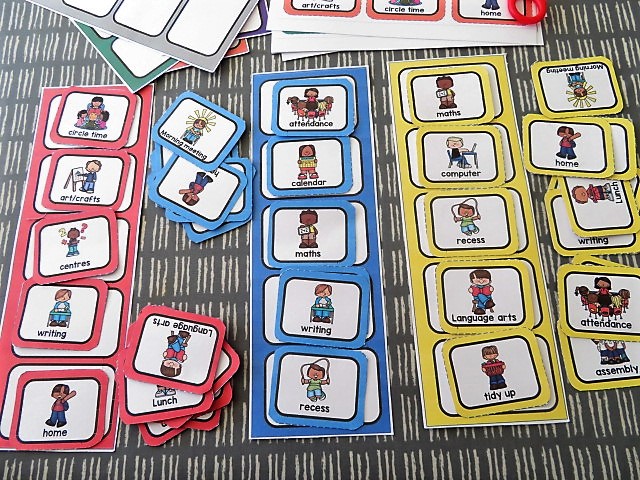
Colour Coordinate – For some of my young learners I’ve introduced portable schedules, that I’ve colour coordinated! 
I’m pleased it offers all the strategies I wanted to incorporated throughout the day.
I keep them in a handy place for my students to access first thing in the morning and follow the schedule by checking into the work areas they need to complete.
There’s a set place in the booklet for the schedule symbols, a token reward system, plus a place for reinforcer visuals and Critical Communication cards so students can ask for a Break or Help, all while reminding and keeping a consistent approach that staff can help students to follow!

Visit my TPT Store here