Using Errorless Resources to build new skills

Have you ever heard of errorless learning? if not, your not alone! When I first came across this approach I was skeptical. How can learning take place without errors? But when I delved deeper I discovered that errorless learning activities can be a valuable resource in Special Ed Classrooms.

Imagine tasks that don’t have a wrong answer and only successful completion, sounds like a dream, but its a reality for many students.

In this article we will explore the concepts of errorless learning and its benefits for students with Special needs. We will also look at the different skills that can be developed though these activities and the types of tasks that can be used.

Learning Objectives

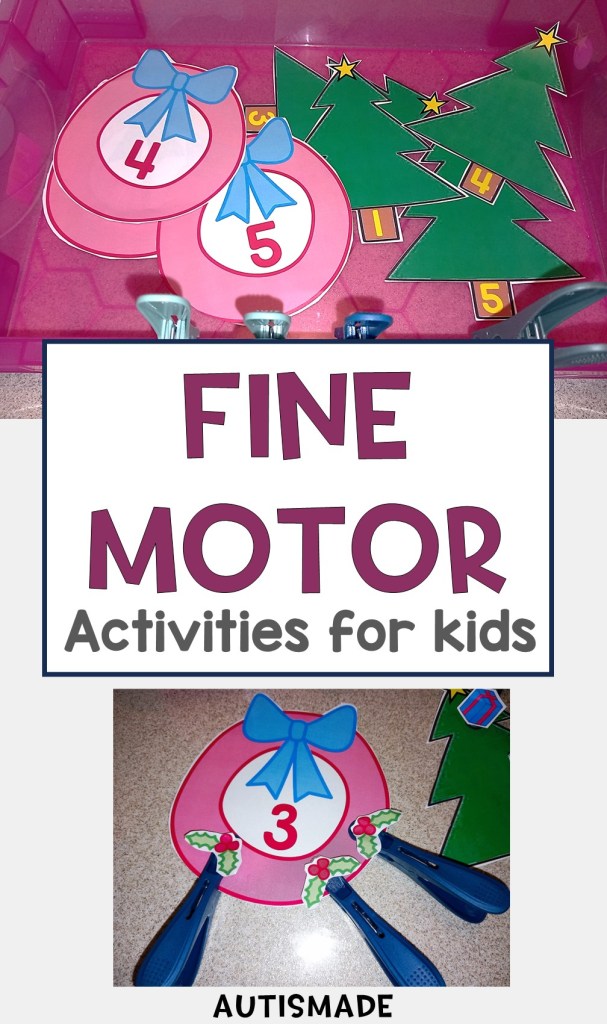
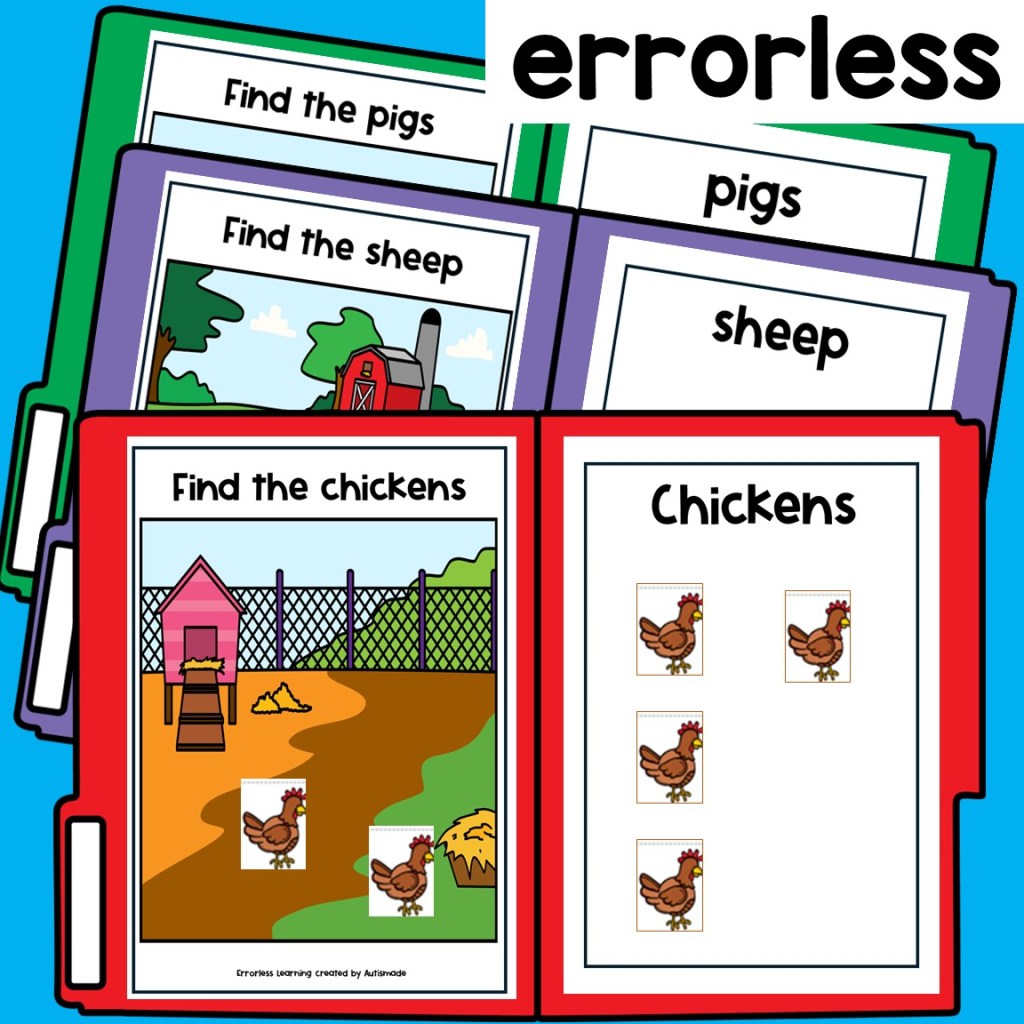
These type of tasks not only improve student task routines and promote independent completion as well as teaching them to work from left to right. but also helps to build their confidence and fine motor skills. Students can practice using their pincer grip to manipulate the visuals to give the answers.

Skills

Recognise items

Fine motor grip

Build independent work skills

learn to work left to right

Gain confidence and work independently

Folder Games

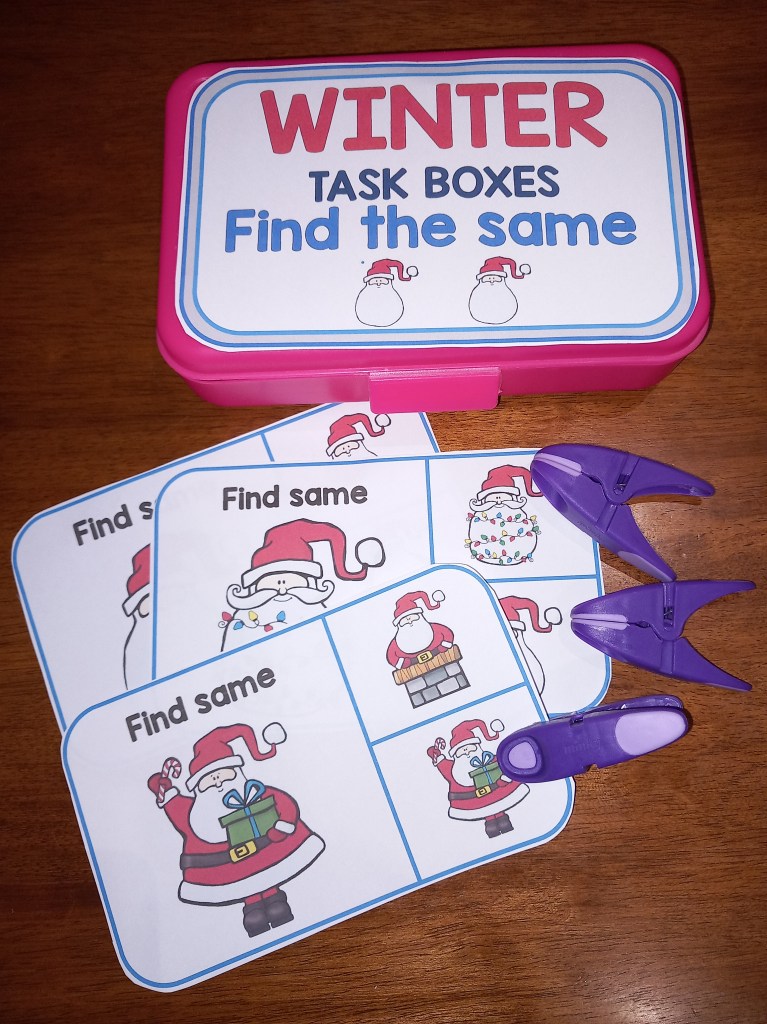
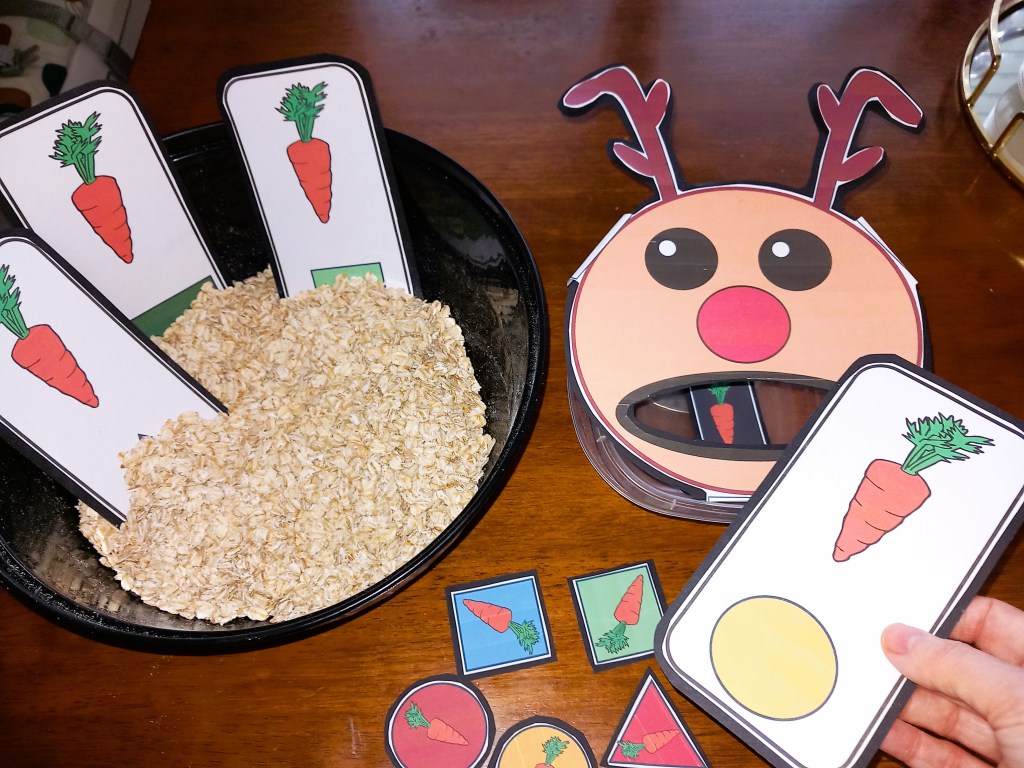
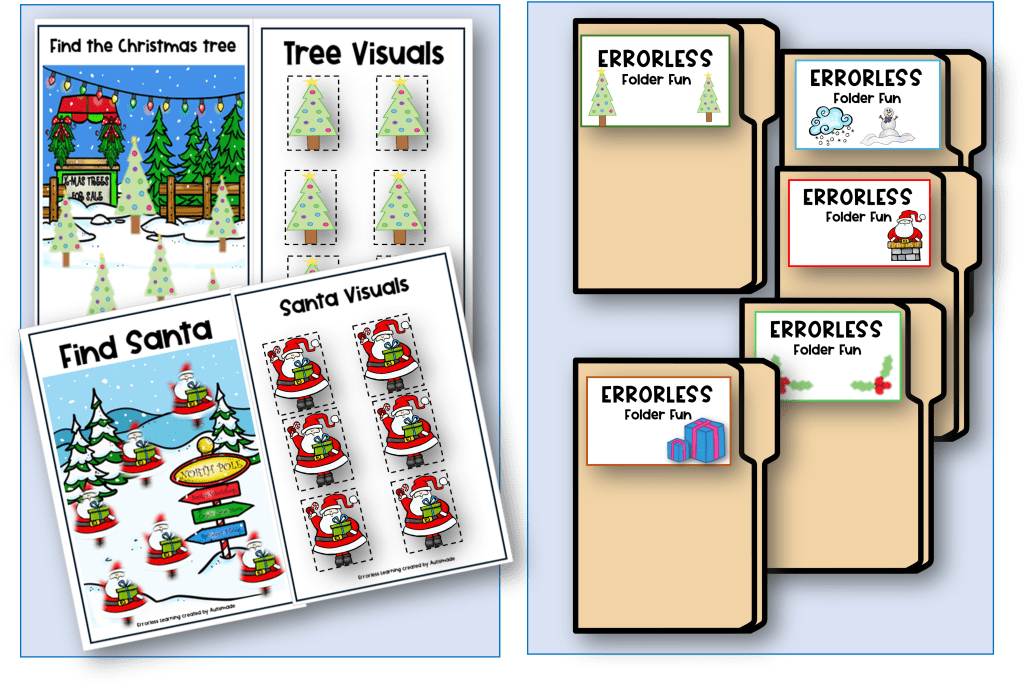
These Errorless folder games can be seasonal or linked to topics and basic learning skills for independent stations

Errorless adapted books can be applied to almost any subject and enable students to join in with stories and reading skills.

Task Cards

Errorless Task cards can be taught at independent stations and in fine motor skill sessions.

Setting up Behavior Resources & Visual Directions in the Classroom

As a Teacher you know you need to have a well stocked toolbox!  But for a Special Ed teacher this is especially true in order to run a successful classroom.

Students with such diverse needs will need more specialised resources to support their learning. In this article I would like to share with you a handful of essential tools that I’ve discovered, created and have helped with behavior management in my Special Ed classroom.

  1. Calm Down check in / Social-Emotional learning, Posters and coping tools
  2. Classroom Behavior Management Tools | Reward charts, First and Then, schedules)
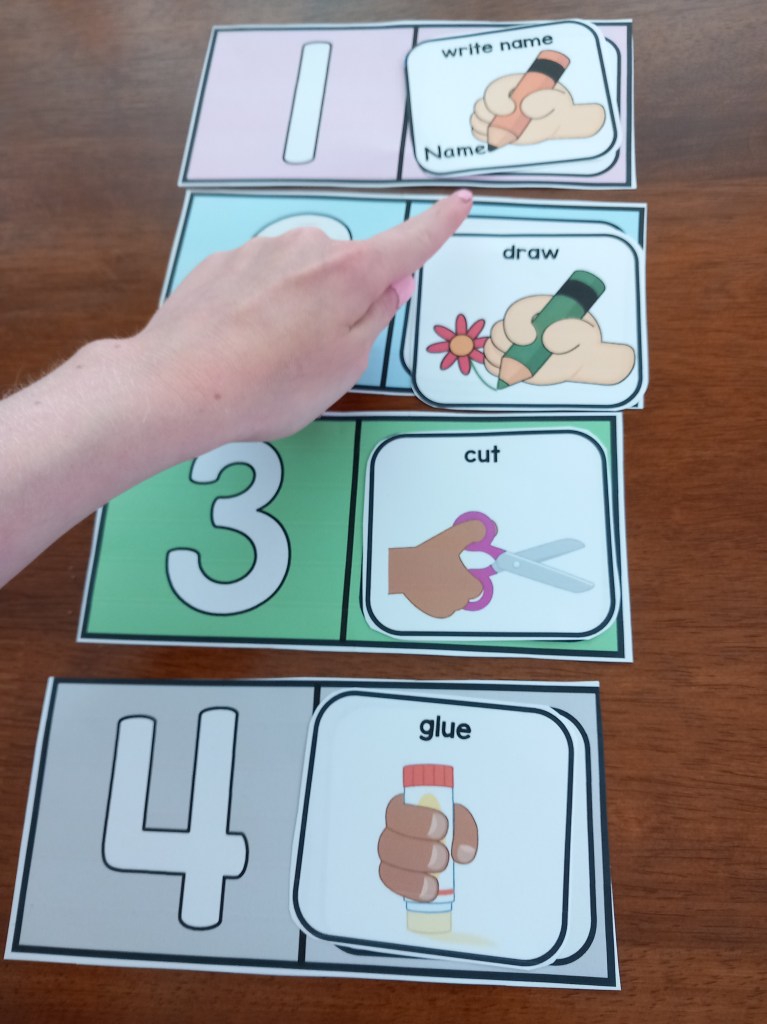
  3. Visual Direction | Cue card instructions
  4. Editable Visual Schedules
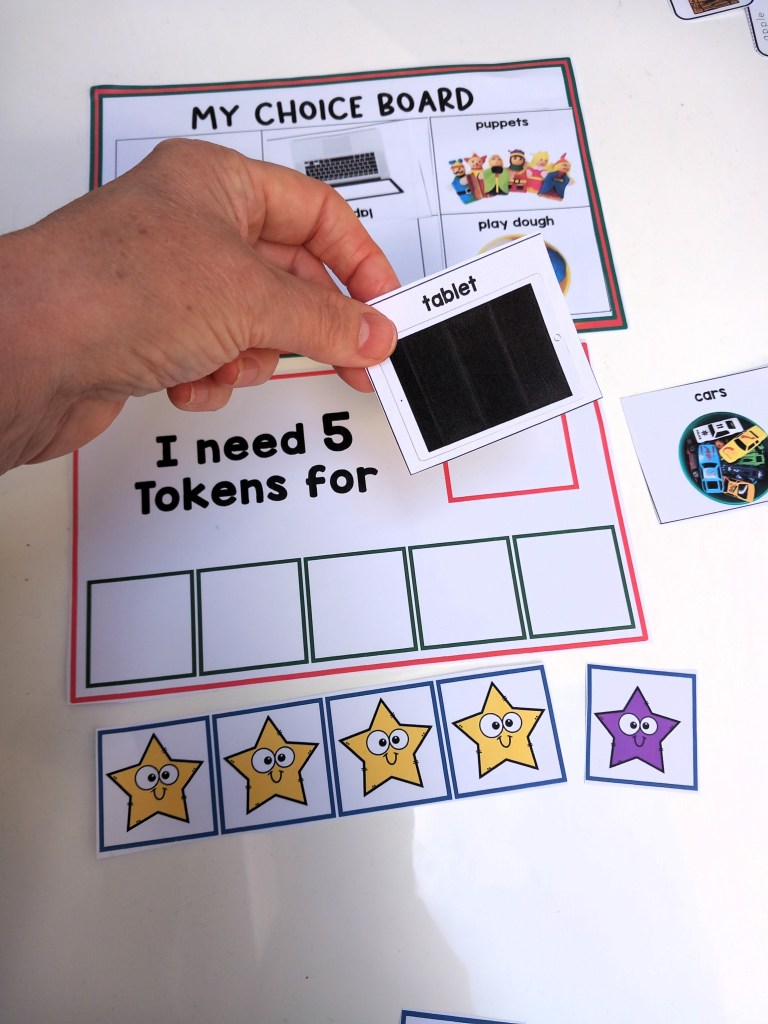
  5. Token Reward Boards a Positive Reinforcement System for Autism/Special Ed
  6. Classroom Support Cards | Classroom Behavior Management | Special Education
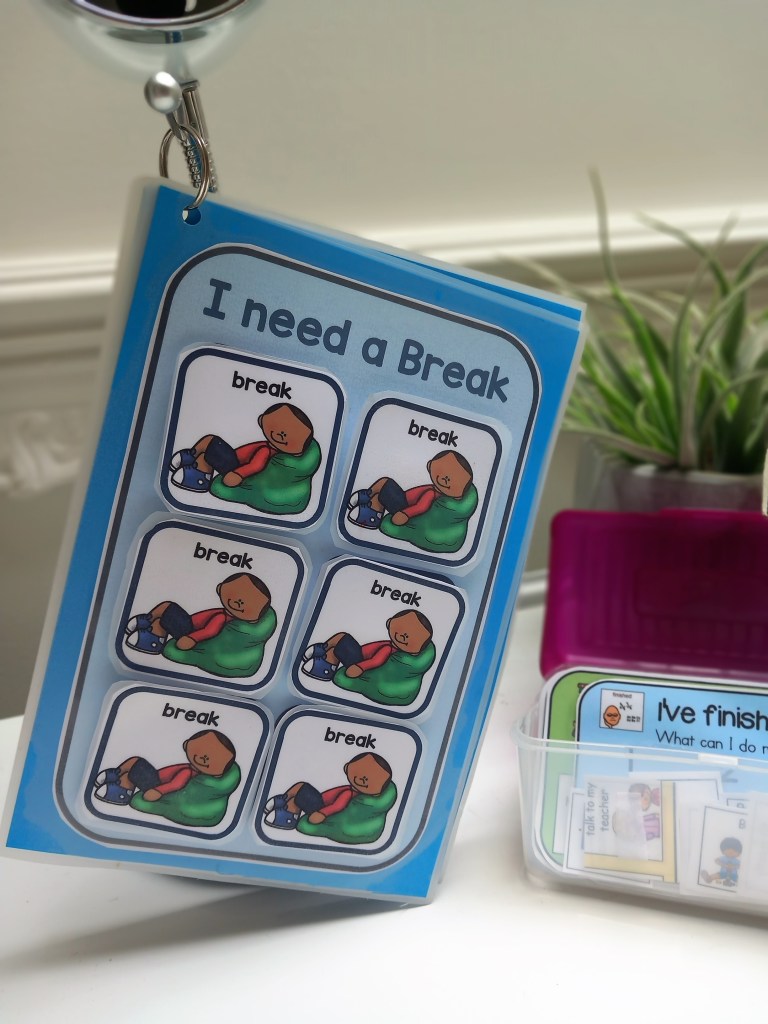
  7. Classroom Support Visuals on a Ring | Behavior Management
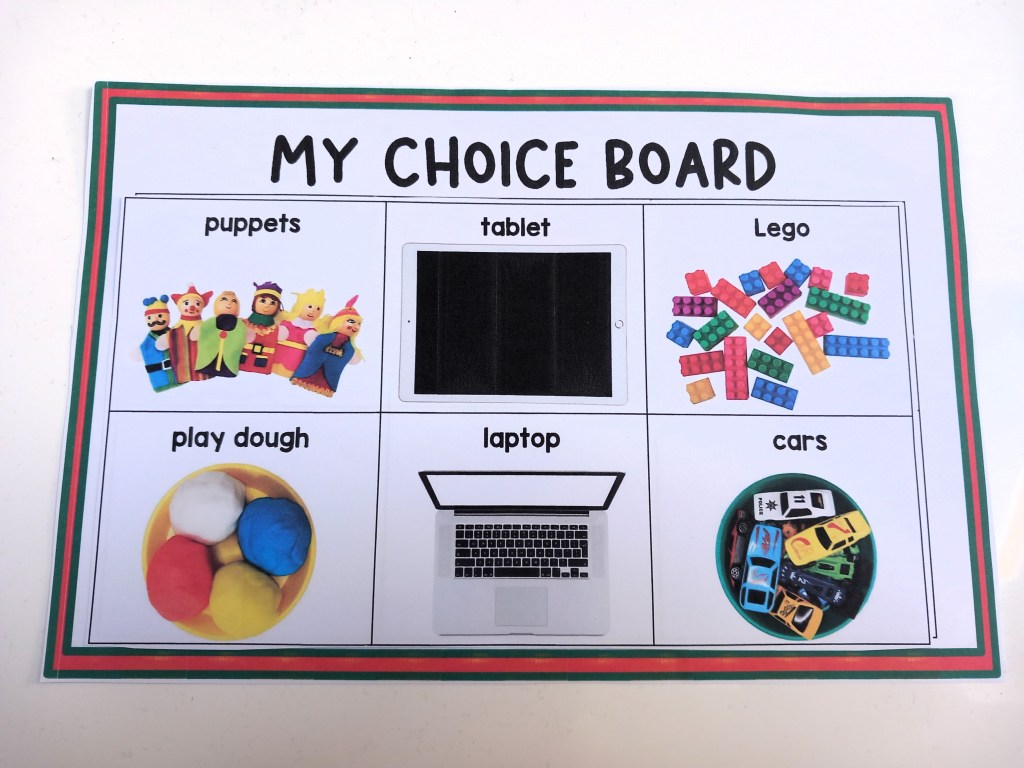
  8. Behavior Support Pack – Token Boards, Choice cards and How are you feeling?
  9. Editable Schedules for Classroom Management
  10. Socials Skill Stories for Classroom Behavior Management

5 FREE resources for you to download and try

  1. Help me calm down | Free Poster
  2. 2 Free Classroom Management Posters for Back to School
  3. Reward Boards – Free Token Economy for Behavior Management
  4. How are you feeling Emoji Free cards
  5. FREE – Good Choice, Bad Choice Activity Boards

It is important to remember that these resources are not just tools, but opportunities to empower and uplift students, and an opportunity for you to explore and implement them in your own classroom.

Schedule Templates for Preschool Special Education Classrooms

You can now enjoy a more structured day for your special needs preschooler with these printable schedule templates! An easy-to-use guide will help you create individualized, fun learning experiences tailored to your child’s specific needs and capabilities.

This quick rundown will provide you with a few tips and strategies to help you create the perfect routine for your little learner.

1. START SIMPLE – Make visuals for just meaningful times of the day eg, morning work, break, lunch etc,  this will help your young learner to recognise and correspond each picture with each of the activities.

2. BUY A LAMINATOR – Your laminator will become your friend! If you want all your hard work to last, laminate all mounts and visuals because they are going to go through a tough time!

3. WALL MOUNT  – Mount on a wall, the schedule must be low enough for your student to access and take away finished symbols.

4. USE A FINISHED BOX – Attach a finished box at the end or side of the schedule to drop the finished visuals in before starting a new activity. 

5. TRY A FILE FOLDER – A portable schedule can be used in a file folder in the same way as a wall mounted one. I find these easier with older children to check into the activities and more efficient in busy classrooms. Pop their name on it and keep all their individual support visuals in one place. 

6. MODLE AND PRACTICE – Always model, practice and remind your busy student at the beginning of each activity to, “check in”, or “check your schedule“.   Make a plan to pull back on all prompting until they begin to use this system independently!

Ask yourself questions to find the right types of schedule to fit the learners needs.

  1. Are your students able to pull off visuals when finished or can they tick a box?
  2. Do they need visuals?
  3. Can they read or write out the schedule?
  4. Can they tell the time and follow the order of the day?

For more resources visit my TPT Store!

Editable Visual Schedules

Editable Schedules for Classroom Management

Reward Chart Systems for Behavior Management|schedule|Token Economy|First & Then

Daily Planner Binder – Back to School for Kindergarten & Special Education

Visual Support Cards for Functional Communication

These printable cards help non-verbal children to communicate and regulate in Preschool, kindergarten and Special Education.

As a teacher our goal is to plan and make lessons accessible and these visual support cards are made to teach Functional communication skills to enable students with Special needs, be ready for the lessons you’ve planned.

These supports for social and emotional learning each have visual directions at the bottom of each card, which can help before unwanted behavior escalates by giving cue images for kids to know what alternative behaviors they can follow to regulate.

To prepare these cards, print out on cardstock, cut out and laminate for durability.

How to use

Add to Calm Down Corners. Have them handy on workstations and centers. Use “Wait” cards with a fidget box for students to use while they wait.

Visit my TPT Store for more great Classroom Behavior Management Tools

Visual Behavior Support Folder – Token Rewards Tools, schedules, First & Then,

Visual Supports: Token Reward System/First & Then – Strategies for Special Ed

Classroom Behavior Management Strategies: First, Next and Then Tools

Token Reward folder: Visual support tools with “first & then” Behavior Strategy

First, Next and Then table Schedule Templates with Visual Supports

First Then boards and Help cards: Autism visual supports

Visual Supports:”First, next, then” with Token Rewards Systems
Fun Activities and Resources for Back to School

Its that time of year again – the panic of building back to school lessons, fresh new resources and a shiny clean classroom! But a new class list of children in Special Education can mean new challenges and worries, so be prepared with hands on resources, learn as much as you can about each student and relax into teaching!

This interactive Daily Binder is full of visual strategies to help your students plan their day ahead and keep them focused throughout. Once laminated or placed in a pocket folder a dry wipe marker can be used for students to jot down their name, grade and class, followed by their teachers name, their friends name, things they like and things they don’t. There are pages with the days of the week for your student to practice and tick off what day it is and same for seasons. Handy pages for students to write out their daily schedule and tick off as they go though it. Working for cards and reward choice. What to remember when you feel angry, “first and then” when they get frustrated and what I need visuals for them to choose from.

About Me – Back to school activity sheets especially designed for new class members to fill in and share information about themselves.

Adapted books will enable your students to practice sequencing, curriculum tasks, stories and everyday activities. Instead of laminating and binding use them as cut and paste activities!

The ability to organise, sequence and prioritise helps us to plan daily activities and manage our time effectively. however, a lot of preschool/Special Education children may find communicating, organising, sequencing and prioritising difficult. This visual binder can support students with everyday basic needs.

FREE Back to School Download Activity sheet