Effective Task Cards for Special Education

Try a Freebie

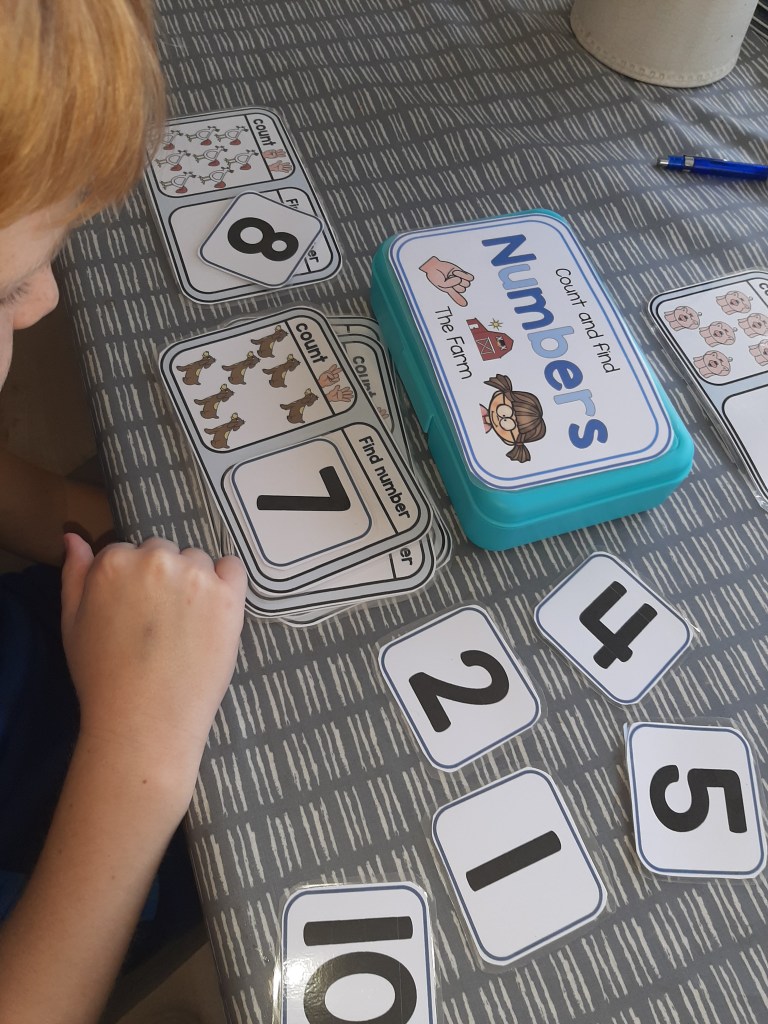
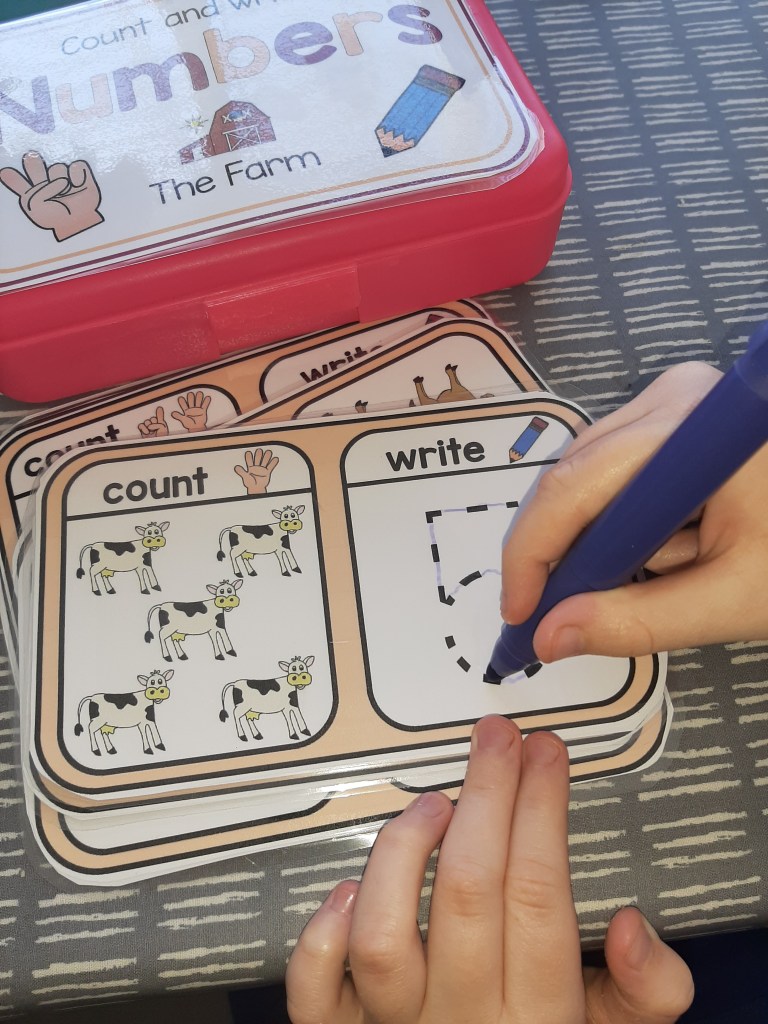
When helping a child in Special Education to learn a new skill you need to give clear and simple instructions. A visually structured task can provide the small steps needed for them to understand, stay on track and complete an activity.

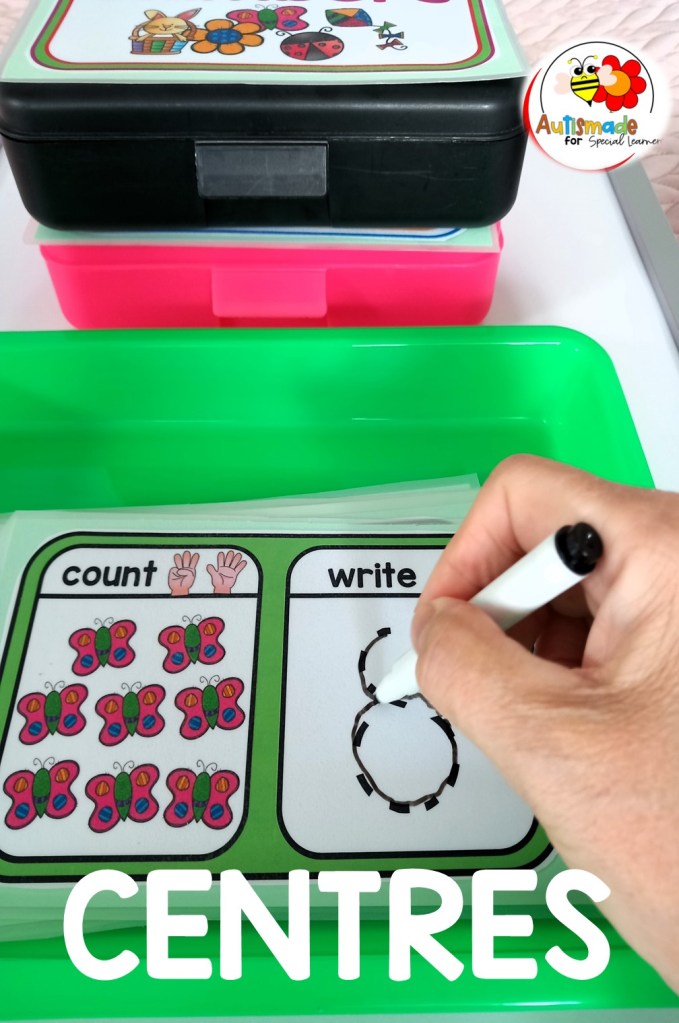
These type of Task box activities are broken down with one question to answer on each card as not to overload the learner. They enable the child to focus not only on the basic academic skills in front of them but strengthen fine motor skills, help the student develop self esteem and promote the independence I love to see in my classroom.

My workstations provide a calm area that has clear and specific visuals to help my students focus and learn. Adding these type of self-contained tasks at stations have provided continuous structure for my students to learn and master basic skills with no need for them to wander off and find other materials!

They are so handy to grab for my small group sessions as well as in the independent areas. I’ve organized them into their Curriculum groups and were able to fit into sandwich size containers! Now they’re labelled, easily stored and always ready and on hand.

It took some time to prepare them all in the beginning but now they’re just always ready to grab and go!

PICK UP FREEBIE Task Cards Here

“Click Below” For more Task box ideas Visit my TPT Store!

Basic Math Task boxes

Color Task Box Activity

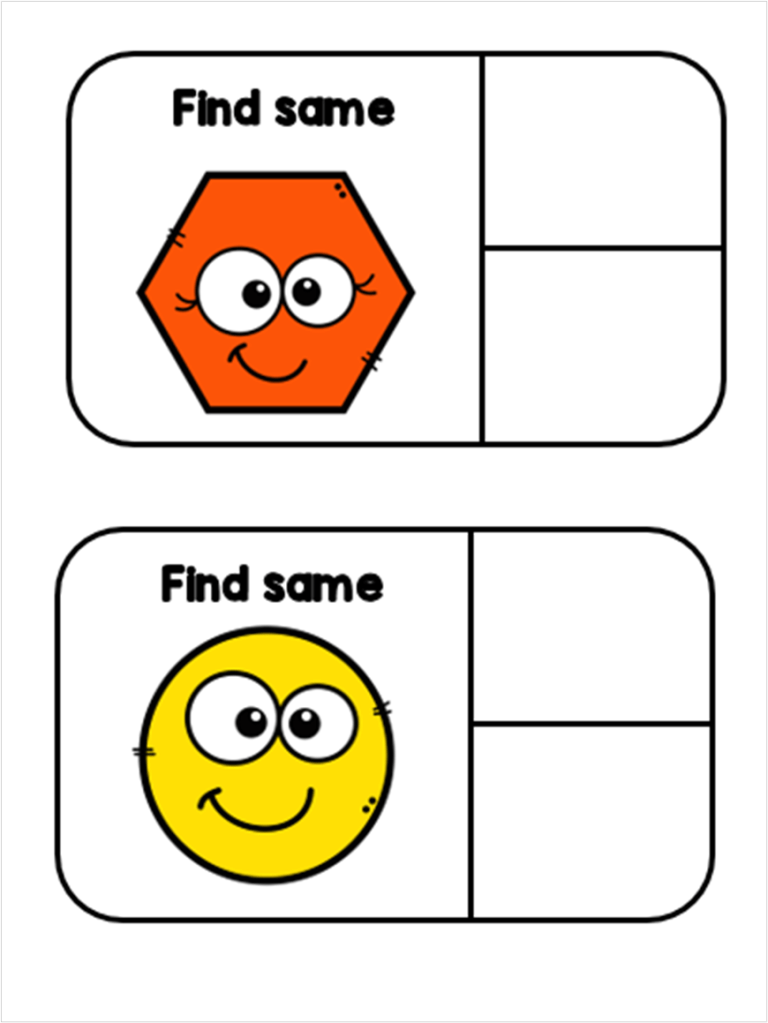
Task Cards – Find the Same

Color, Shape, Number, pegging

Opposites Task Cards

Letter Tracing Task Cards

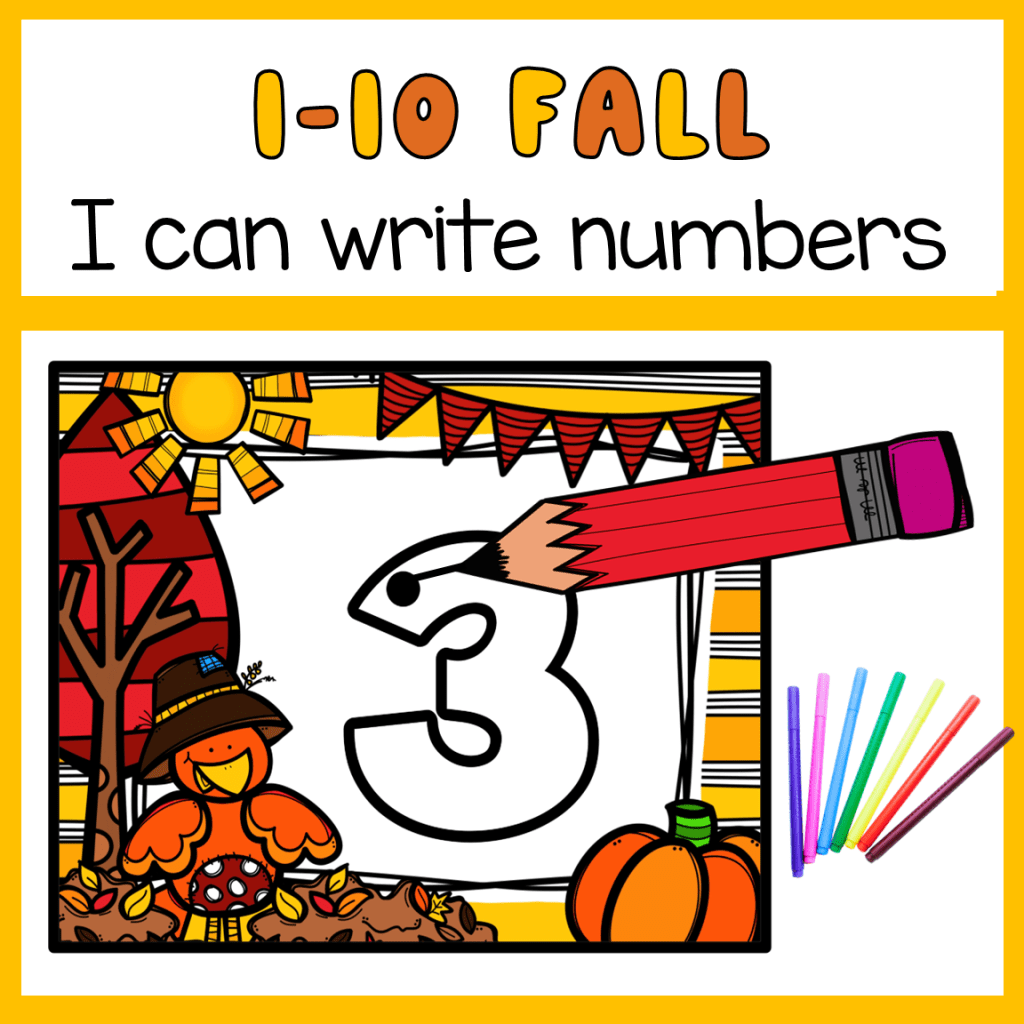
Fall Task Cards – I can write numbers to 10

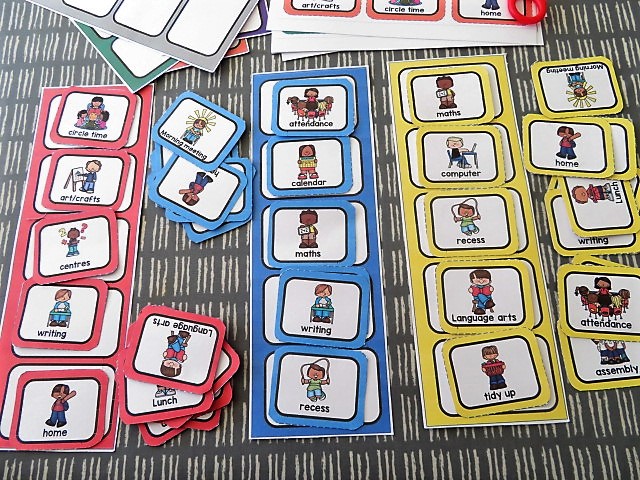
How to use First and Then Visuals

Children with SPED can sometimes find a classroom a bit confusing and can quickly become distressed with all the changes that are taking place around the room. My job is to help keep them calm and cope with what is happening. Sometimes I use visual supports to prepare and explain what is happening next.

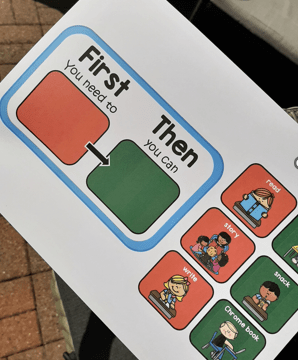
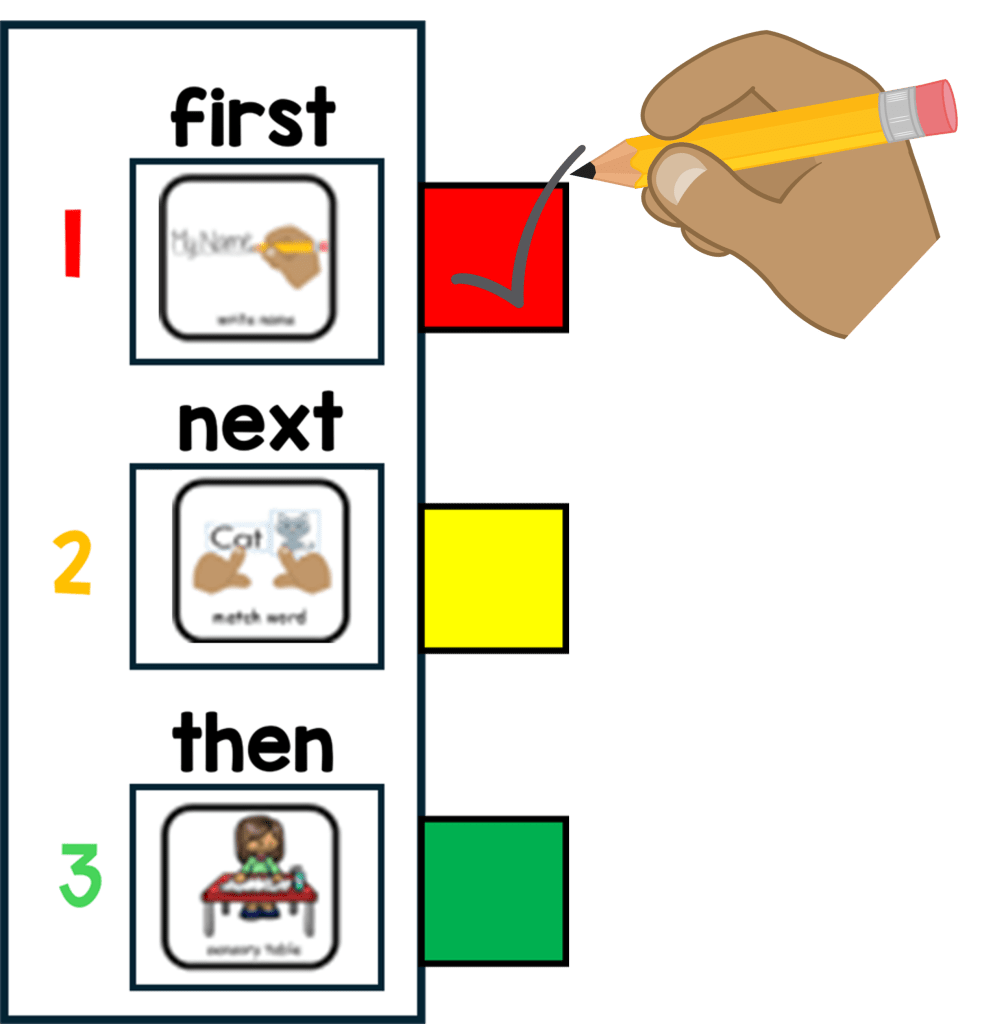
I have found the “First and Then” Strategy a visual way of understanding what is expected throughout the day and a simple start to scheduling. As part of my structured teaching environment I use this simple timetable with individual work and in class activities.

Before starting a task and after a motivator assessment my young learners are offered a selection of visual reinforcers to choose from, this icon is placed in the “Then” side of the board.

And I place the icon of the task to be completed on the “First” side of the board. While teaching this strategy for the first few times I use quick errorless tasks and partially prompt my student if they become distressed.

Once established, my student will learn to follow the first activity independently and transfer to the next activity shown.

For More information click here

Teaching Functional Communication in Behavior Management

Functional Communication is an important skill to master in any successful Behavior Management Plan. Here’s a brief description on how I teach theses skills with my young learners.

How I Teach students to use a “Break or Help” card

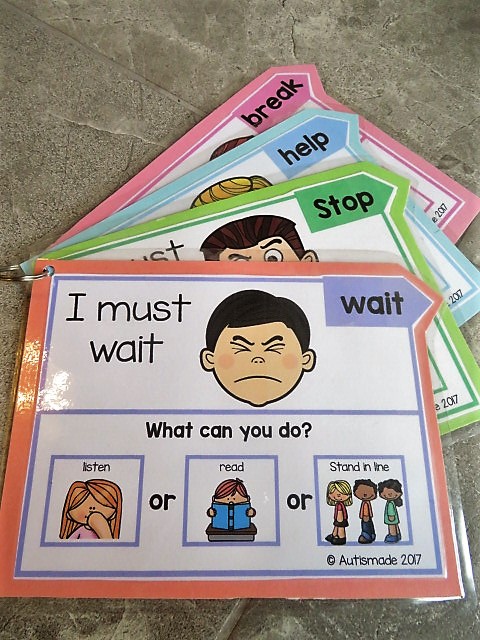
1. Firstly you need to help your student realise when they need to use the break/help card, preferably before they get too frustrated or loose concentration. At the start of any activity, show the student the break card and place the card where they can easily reach it.

2. Point to the break/help card and tell them, “This is your break/help card. You can use it to ask for a break.” When your student starts to get frustrated or loose interest, You say “If you are getting upset, use your break card to tell me you need a break/help.”

3. Once he requests the card allow the student to take a break/help from his tasks, or direct the student to move away to the “break area.” I found that self regulating visuals on the bottom of the card is a fantastic way of calming your student while on a break.

4. Requesting is an important part of teaching the student to trust and use the visual support, once they are consistently asking for breaks, you may begin to extend the time between the request and the actual break.

5. Visuals to the bottom of the support cards help redirect the student to what he can do instead, or while using the card. I hang them up on a keyring for easy access in my calm down corner!

Visit my TPT Store for more details

My Calm Down Corner

I’ve been creating behavior supports for my classroom and I particularly love the calm down resources that iv finally put together. The system works great especially for children that needs to calm themselves and rely on clear visual instruction to help process what they need to do.

So I started with a sign, a “Calm down” sign … before I even put together a selection of fidgets! A couple of cheap fidget toys that I knew my kids would love and the first part of my kit was done. Then I sorted out a corner of my room with a beanbag on the floor and a little book shelf for privacy, I kept it very plain and simple with just the calm down tools on hand… WOW it looks great, and my kids love it!

Next I wanted to gave my kids a chance to take a break before things got to tricky, so I made these colourful break cards and purchased a sand timer. I added Velcro to the break board and attached it to the side of the bookcase, a good place to put the break card, I thought, before they grab a timer and sitting down. I knew this skill would take a bit of practice but was surprised at how quickly I saw results… its well worth the effort.

In a crises a visual choice of nice, peaceful activities would help to distract for a moment until we could sort out what was wanted.

And my all time favourite support! (already established) that always seems to work and get the little learner back on track is the REWARD BOARD and MENU CARD!

Craft Ideas

For Busy Preschool Teachers

Teachers never seem to have enough time in the day to plan and create fresh, effective and engaging resources. That’s why Id like to share some of my minibeast craft sheets that my kids have loved painting and creating this week. Iv been so proud seeing them using different techniques to decorate their ladybirds, butterfly’s and caterpillars.

I started off by letting them choose a template of their favourite bug and laying out craft materials, paints and tools to encourage their creative minds to run free!

Each student knew what they wanted to use and I was able to see their own unique way of expressing themselves in their art work!

These simple bug crafts kept my young learners focused for ages and and turned out absolutely brilliant!

Click here to download some FREE Bug templates to use with your kids!

For more activities and resources visit my TPT Store

Counting and Number Recognition 1-5

Bugs Interactive Workbook

Playdough Activity Mats for Autism in Special Education Classrooms

Bug Jars Counting 1-10